CamScanner
  • Tools

    Smart HD Scan

    Scan DocumentsScan IDsScan BooksScan Test PapersCapture WhiteboardsCapture Slides

    Format Conversion

    PDF to WordWord to PDFImage to TextPDF to ExcelExcel to PDFPDF to PPTPPT to PDFPDF to JPGImage to PDF

    PDF Editing

    Merge PDFsSplit PDFReorder PDF PagesRotate PDF PagesDelete PDF PagesAdd WatermarkProtect PDFSign

    App Exclusive

    AI Photo TranslationRestore Old PhotosAI Tamper DetectionCountCam
  • Premium
  • Download
  • Devices
  • Agent Platform
  • 简体中文繁體中文EnglishBahasa IndonesiaEspañol
简体中文繁體中文EnglishBahasa IndonesiaEspañol
Web AppSign In / Register
Scan DocumentsScan IDsScan BooksScan Test PapersCapture WhiteboardsCapture Slides
PDF to WordWord to PDFImage to TextPDF to ExcelExcel to PDFPDF to PPTPPT to PDFPDF to JPGImage to PDF
Merge PDFsSplit PDFReorder PDF PagesRotate PDF PagesDelete PDF PagesAdd WatermarkProtect PDFSign
AI Photo TranslationRestore Old PhotosAI Tamper DetectionCountCam

Image to Text

Online Image to TextUse OCR to extract text from images as editable content.
Use Now

OCR Extraction

Use OCR technology to recognize text in images, converting image content into text you can copy and edit.

Multiple Content Types

Recognize printed text, tables, and handwriting to meet a range of extraction needs.

Multilingual OCR

Support Chinese, English, Japanese, Korean, and more, so you can extract text from images in different languages.

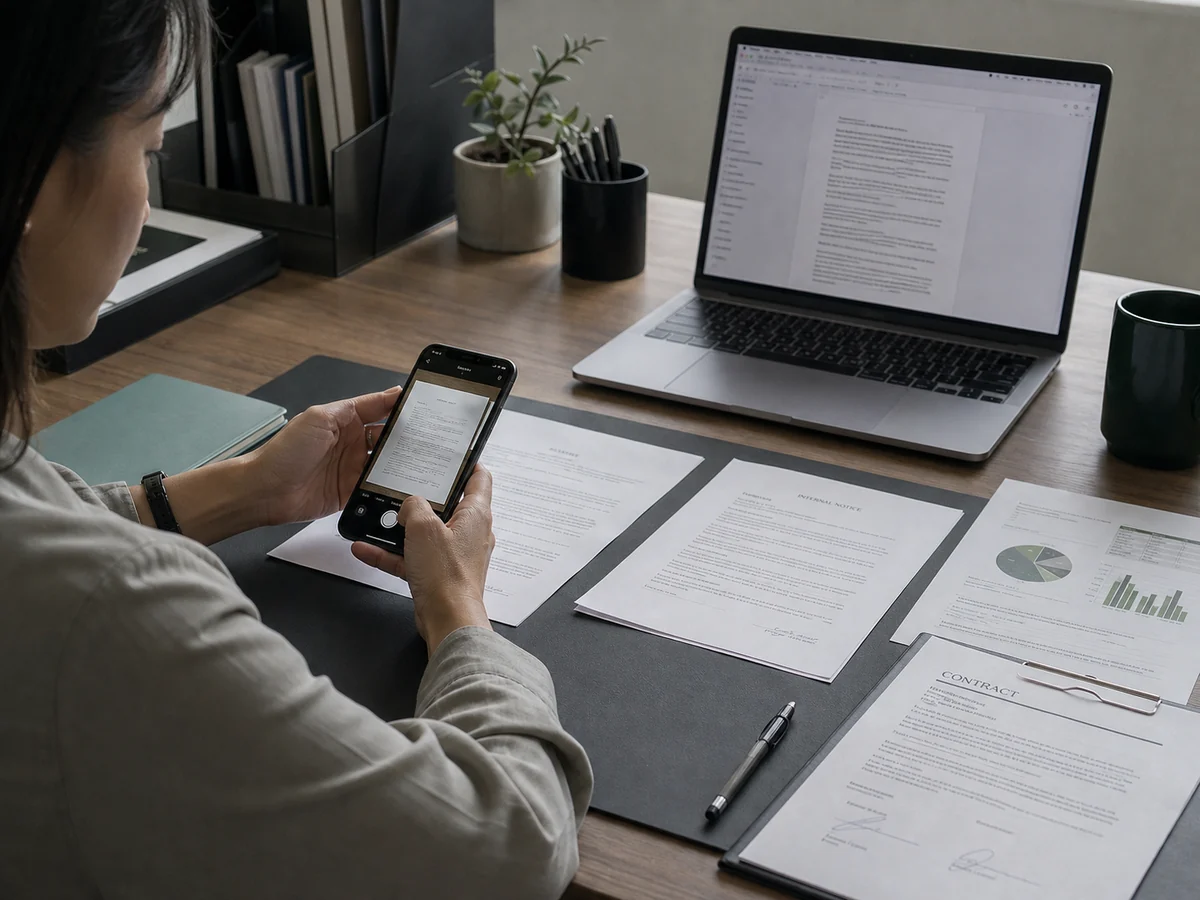
Turn Paper Documents into Editable Files in Seconds

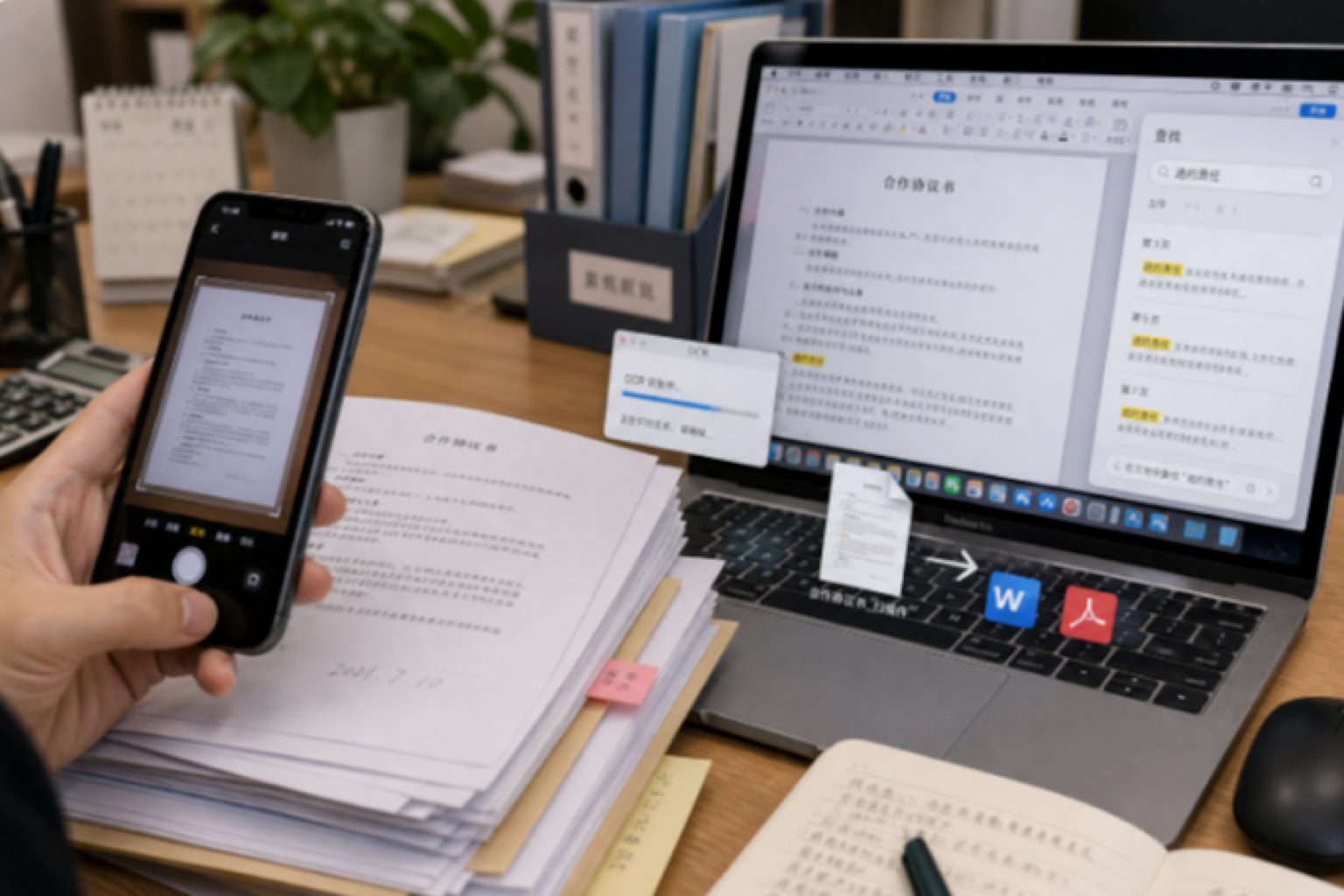
Got a thick stack of contracts, records, and invoices to get into your computer, and tired of typing them out word by word? Take a photo, extract the text with CamScanner OCR, and turn it straight into an editable Word or PDF file. Archiving, searching, and later editing all become easy, so digitizing paper documents happens in a single step.
Turn Paper Documents into Editable Files in Seconds

Extract Data from Forms in Bulk, No More Late-Night Typing

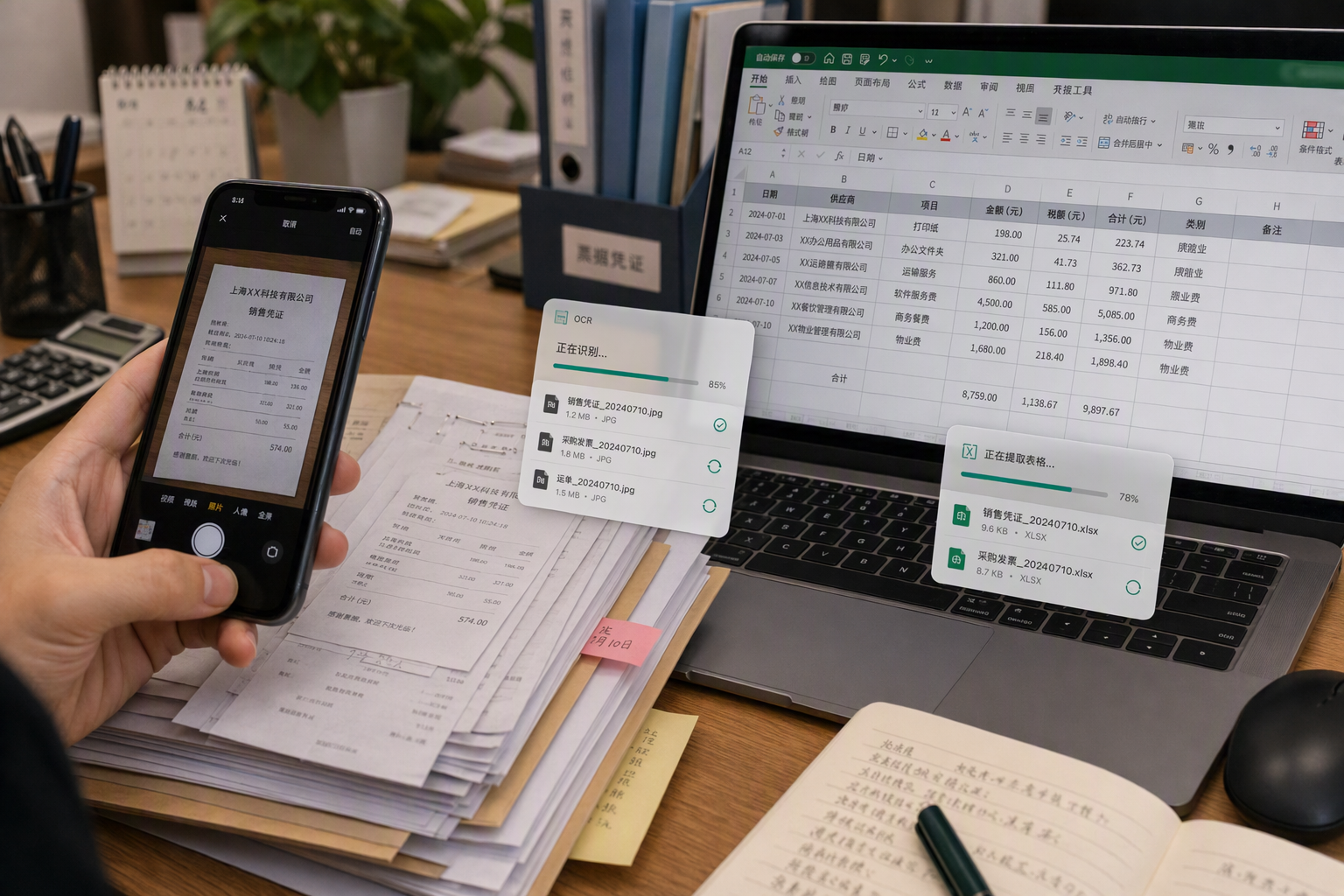
Piles of expense claims, shipping slips, and lab reports to enter, and typing them in until midnight while worrying about mistakes? Recognize and extract them in bulk with CamScanner OCR, and the numbers go straight into an Excel spreadsheet, with amounts landing in the right cells automatically. Reconciling accounts and building reports for finance and admin gets twice as fast, with no all-nighters required.

Extract Data from Forms in Bulk, No More Late-Night Typing

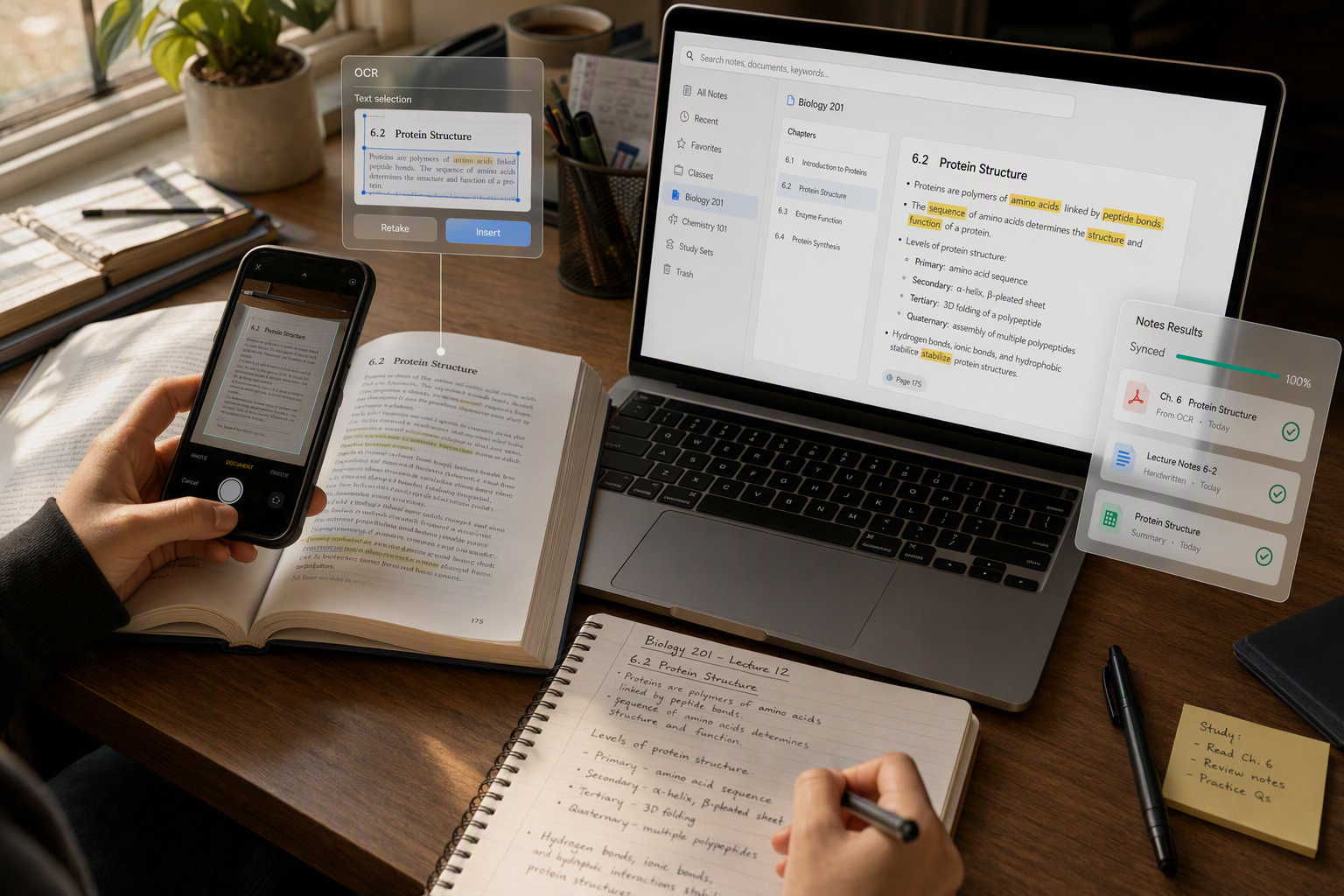
Turn Textbooks and Notes into Text for More Efficient Review

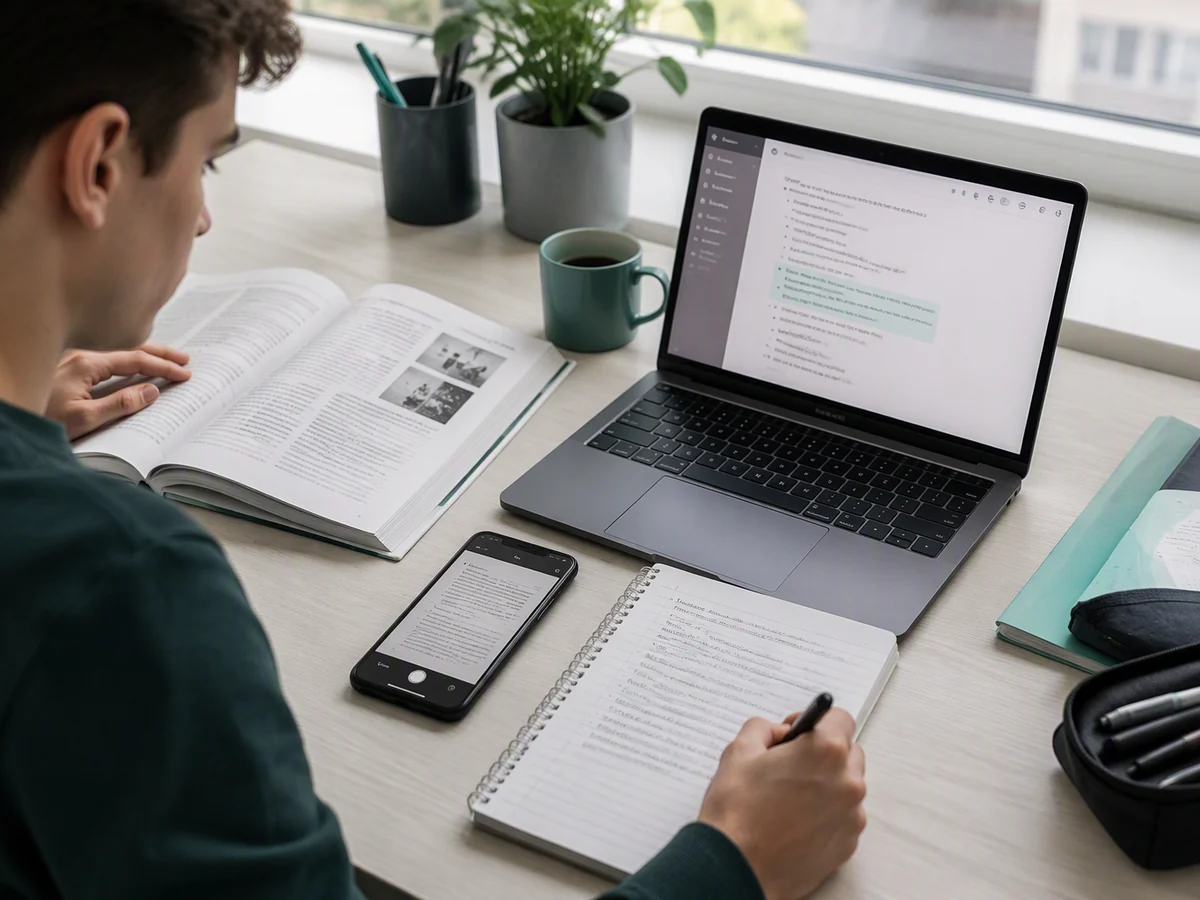
Want to get paper textbooks, mistake journals, and handwritten notes into your note-taking app? Snap them and convert them to digital text with CamScanner OCR, so you can search, edit, and annotate on the fly, and even build a searchable e-book. Everything is one tap away when you study, and you'll never have to copy it all out by hand again.

Turn Textbooks and Notes into Text for More Efficient Review

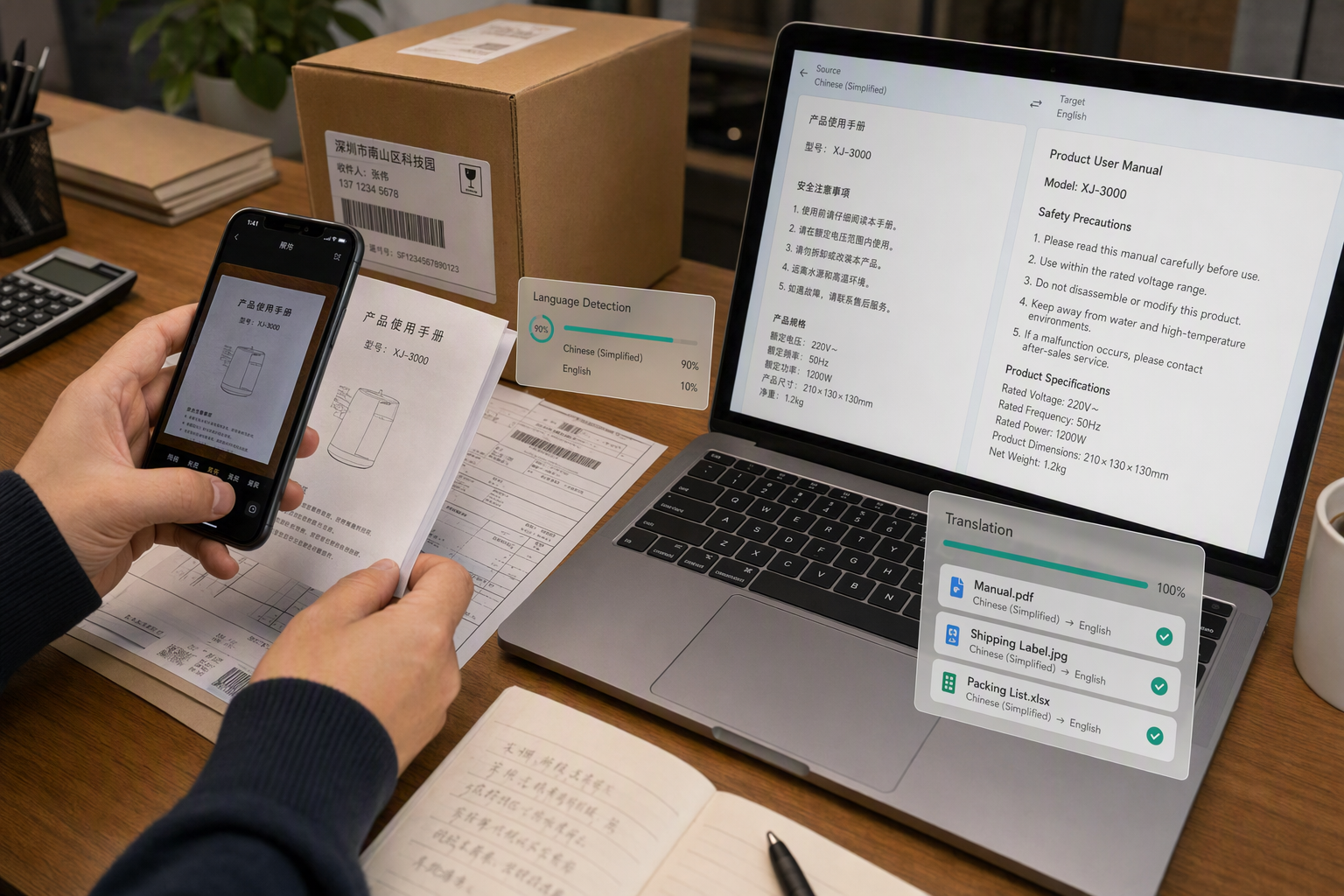
Turn Foreign-Language Images into Text and Communicate with Ease

Can't read foreign-language product images, manuals, or email screenshots? Extract the text from the image with CamScanner and pair it with translation to understand the content fast. Cross-border sellers and foreign trade teams no longer get stuck on language, and handling overseas information becomes quick and accurate.

Turn Foreign-Language Images into Text and Communicate with Ease

What users say about CamScanner Image to Text

Foreign Trade Professional

Foreign Trade Professional

At work I often receive foreign-language product details, manuals, and images from clients, and viewing and organizing them directly takes time. After I extract the foreign-language content from an image with CamScanner, I can copy, edit, or translate it, which makes handling overseas materials much easier. Whether I'm organizing product information or replying to clients, it saves a good amount of time.

Office Worker

Office Worker

I often need to enter paper contracts, notices, and reports into the computer, and typing them out word by word used to be slow and error-prone. Now I photograph them with CamScanner, and it quickly pulls the text out of the image and copies it into Word, ready to edit after a quick check. Organizing and entering documents day to day has gotten a lot easier, and my productivity has clearly gone up.

Finance

Finance

Every month I handle a large volume of expense claims, invoices, and cost breakdowns, and entering the data by hand is time-consuming and easy to misread or misalign. Now I scan and recognize them in bulk with CamScanner, so I can quickly pull out amounts, dates, and other details to organize into spreadsheets and check. It saves a lot of time and effort when I work through receipts and financial records.

Student

Student

I can photograph textbooks, incorrect questions, and handwritten notes, then use CamScanner to recognize and organize them into digital text and save them to my note-taking app. When I review, I can find what I need fast by keyword and add highlights and annotations on the fly. I no longer have to copy study materials out word by word, which saves a lot of time studying for exams and organizing notes.

Teacher

Teacher

I often photograph paper tests and lesson plans and use CamScanner to recognize and convert them into digital content, which makes editing questions, organizing materials, and sharing teaching resources easy. It can extract both printed text and some handwritten notes from the image, cutting down on repetitive data entry. Whether I'm preparing lessons day to day or sharing materials, I've become much more efficient.

Content Creator

Content Creator

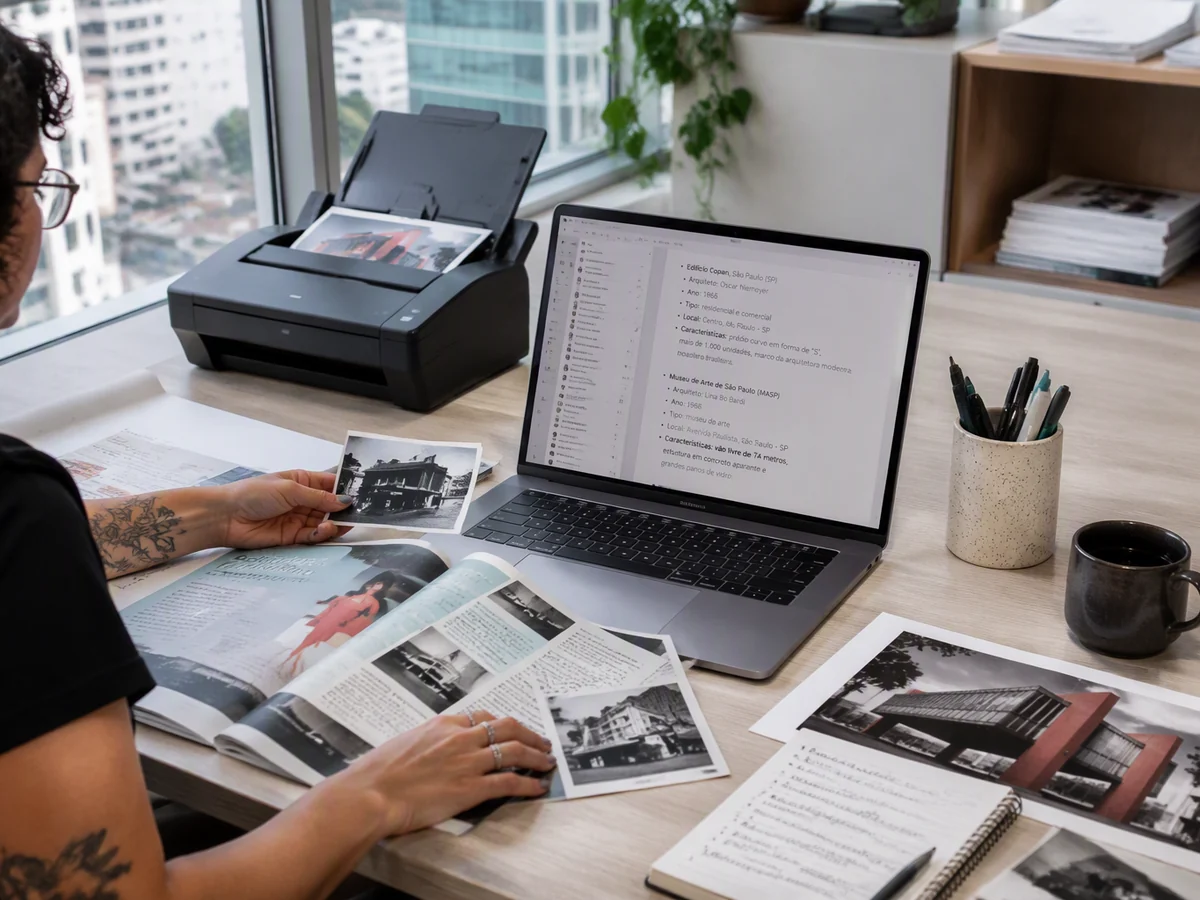
When I create content, I often need to reference image assets, industry data, and posts from similar accounts. Now I use CamScanner to recognize the text in images, so I can quickly extract the information I need and go on to organize, research, and rewrite it. I no longer have to type it out word by word from the image, so gathering topic research and producing content have both become more efficient, and it's smooth to use.

FAQ

On the WebOpen CamScanner's Image to Text page. No installation needed, and you can use it online right away; Upload your image file: drag and drop it, choose it from your device, or import it from CamScanner; Click the Extract Text button, and the text in the image is recognized automatically; Then download or copy the recognized text.

Mobile AppOn the home page, select Extract Text, then import an image or document (single or multiple pages). Open the image and tap Word to recognize the text, which you can edit directly; or tap Share > Share as Text to export it (without the original formatting).

Tip: Basic accounts get up to 10 recognitions. With Premium, you get 1,000 OCR text recognitions per month. The size and font of the recognized text can't be adjusted.

Mobile AppFactors that affect OCR recognition: 1. Photo clarity: fill the viewfinder with the document when you shoot, and tap the screen to focus if the text looks blurry; 2. Lighting: bright light means less noise and better recognition; 3. Contrast: make sure there's strong contrast between the text and the background color; 4. Recognition language: select the languages you need under Me > More Settings > Extract Text (avoid selecting every language, as it can lower accuracy). In addition, text in small, low-resolution images is harder to recognize; photos of computer or TV screens are affected by noise; and for handwriting, use neat text in regular script. If recognition still isn't ideal, you can send a photo that hasn't been cropped or enhanced to [email protected] for our algorithm team to analyze (your image data is kept strictly confidential and used only for internal algorithm analysis).

Mobile App1. Upgrade to Premium to get 1,000 text recognitions and 20 Word conversions per month; 2. Tap Share > Share as Text to copy or export the recognized text; 3. Open the document, tap Word to recognize it, then tap Export to Word to export it in Word format.

Tip: After Basic users tap the Word button, they can find the document by searching for any word it contains.

Cloud OCR supports the following 40 languages: Chinese (Simplified and Traditional), English, Japanese, Korean, French, Spanish, Portuguese, German, Italian, Dutch, Russian, Greek, Turkish, Swedish, Finnish, Danish, Norwegian, Hungarian, Afrikaans, Arabic, Bengali, Catalan, Czech, Filipino, Hebrew, Hindi, Indonesian, Nepali, Persian, Sanskrit, Serbian, Slovak, Slovenian, Tamil, Thai, Ukrainian, Urdu, Uzbek, Vietnamese, and Polish.

CamScanner on the Web

Use Image to Text directly in your browser, with no installation.

Use Now

CamScanner Mobile App

Scan the QR code to download the app, and capture with enhancement in one step.

QR code to download CamScanner
Terms of Service|Privacy Policy|Security & Compliance|Agent Platform|FAQ|Blog
Follow us
© 2026 INTSIG. All rights reserved.
CamScanner

Cookies Settings

These cookies are essential in order to enable you to move around the website and use its features. Without these cookies services you have asked for cannot be provided.

We'd like to set Google Analytics or Baidu Analytics cookies to help us to improve our website by collecting and reporting information on how you use it. The cookies collect information in a way that does not directly anyone. For more information on how these cookies work, please see our 'Cookies page'.