CamScanner
  • Tools
    Scan
    • Scan Documents
    • Scan IDs
    • Scan Books
    • Scan Test Papers
    • Capture Whiteboards
    • Capture Slides
    • Image to Text
    Convert PDF
    • PDF to Word
    • Word to PDF
    • PDF to Excel
    • Excel to PDF
    • PDF to PPT
    • PPT to PDF
    • PDF to JPG
    • JPG to PDF
    Edit PDF
    • Merge PDF
    • Split PDF
    • Organize PDF
    • Rotate PDF Pages
    • Delete PDF Pages
    • Add Watermark
    • Protect PDF
    • Sign PDF
    App-Only
    • MeasureMeasure distances with your phone.
    • Ask AIAsk AI questions and get answers on any topic.
    • ScrollshotCapture full-page scrolling screenshots.
    • CountCamCount objects with your camera.
  • Premium
  • Enterprise
  • Download
  • Devices
  • AI Agent
  • 简体中文繁體中文EnglishBahasa IndonesiaEspañol
简体中文繁體中文EnglishBahasa IndonesiaEspañol
Web AppSign In
PDF to WordWord to PDFImage to TextPDF to ExcelExcel to PDFPDF to PPTPPT to PDFPDF to JPGJPG to PDF
Merge PDFSplit PDFOrganize PDFRotate PDF PagesDelete PDF PagesAdd WatermarkProtect PDFSign PDF

JPG to PDF Converter Online

Combine JPG, PNG, and HEIC images into a single PDF, arranged in the order you choose.

CamScanner Ensures File Security

We care about privacy. Our PDF converter secures your files with 256-bit SSL Encryption, and the data you submit won't be shared with or accessed by any other parties.

JPG to PDF Online Converter

There is no need to install a program or download an app. CamScanner works online with any web-browser. All you need is a stable internet connection.

Cloud-Based Conversion Service

We have many servers in the cloud which do nothing else than converting JPG to PDF files. So, lean back and let them do the work.

Twenty Photos, One Document

Upload a batch of images and get back a single PDF instead of an email with twenty attachments. Receipts, ID scans, and site photos arrive as one file that stays together.

Set the Page Order Before You Convert

Drag the thumbnails into the sequence you want. Phone photos sort by capture time, which rarely matches the order a document should read in.

More Than Just JPG

PNG, HEIC from an iPhone, WebP, BMP, and TIFF all convert the same way. No need to change the format of your photos before uploading them.

How to Convert JPG to PDF Online

  1. Open the CamScanner JPG to PDF converter

    Works in your browser on any device — nothing to install.

  2. Add your images

    Drag and drop the files, pick them from your device, or import them from your CamScanner account.

  3. Click Convert

    CamScanner combines the images into a single PDF.

  4. Download your PDF

    Save the file to your device, ready to send or print.

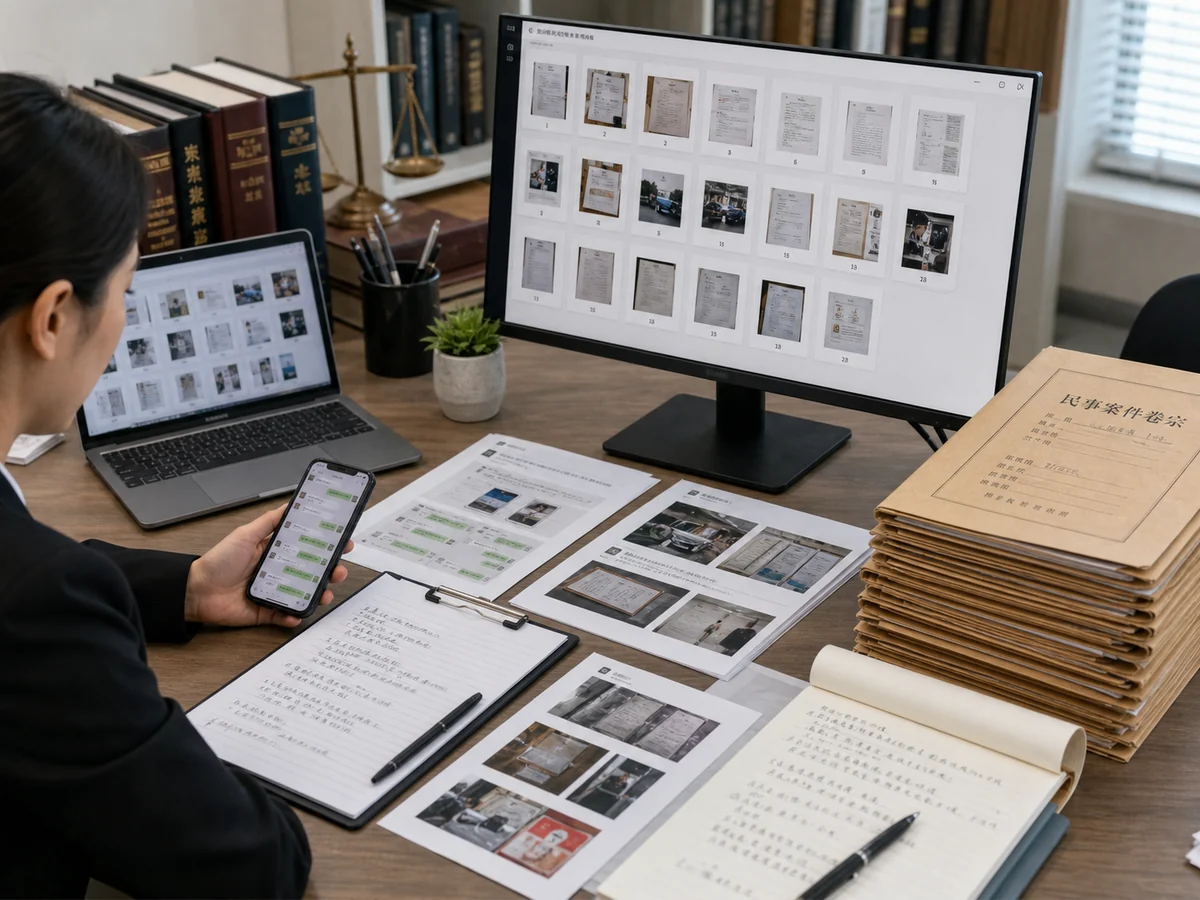
Convert Evidence to PDF, Neatly Ordered for Filing and Submission

Need to submit long screenshots, chat logs, contracts, or invoices as evidence or archive them for your company? CamScanner converts your images to PDF, keeping multiple pages in the right order so everything stays clear and organized, professional enough for legal submissions and record-keeping.
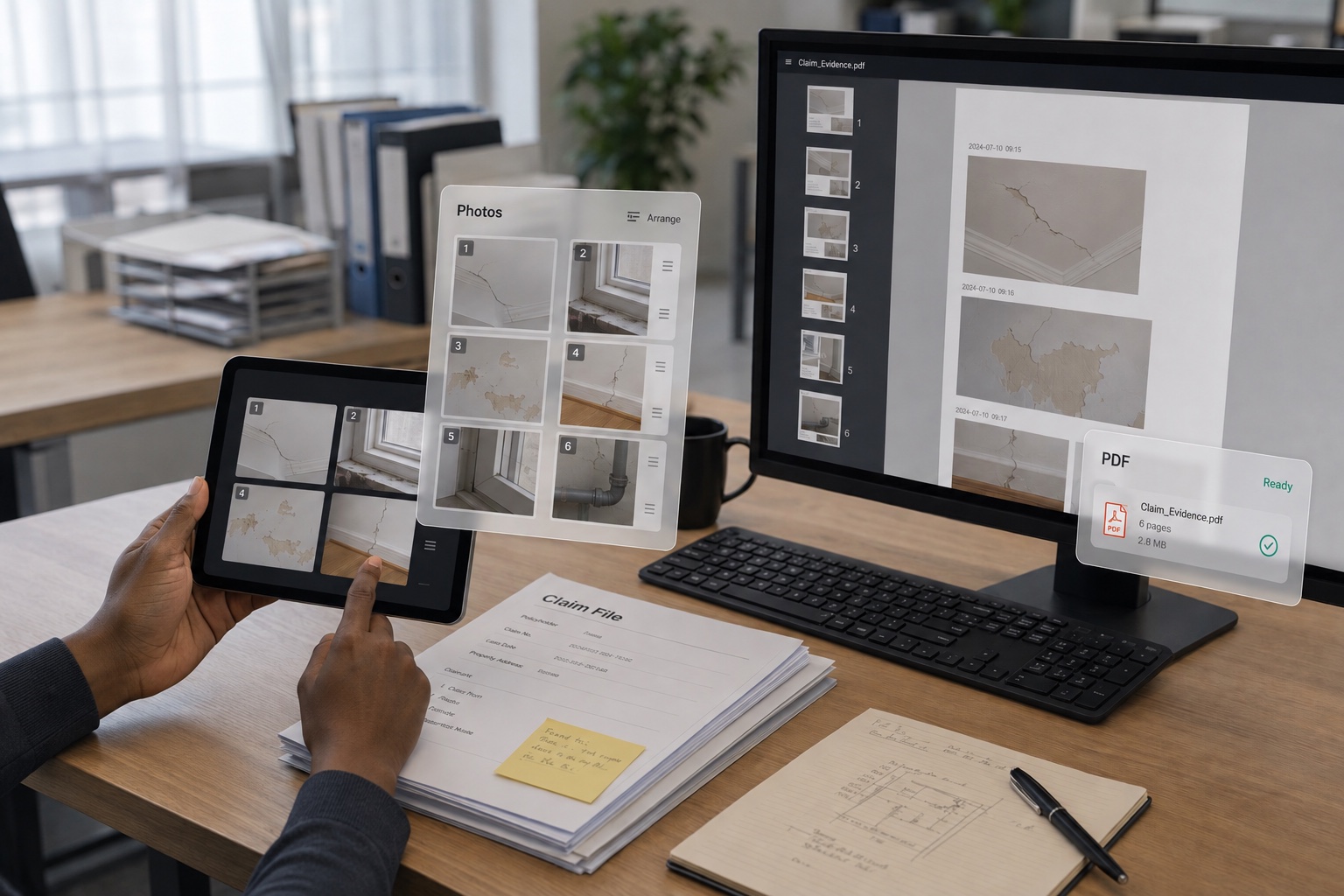
Convert Evidence to PDF, Neatly Ordered for Filing and Submission

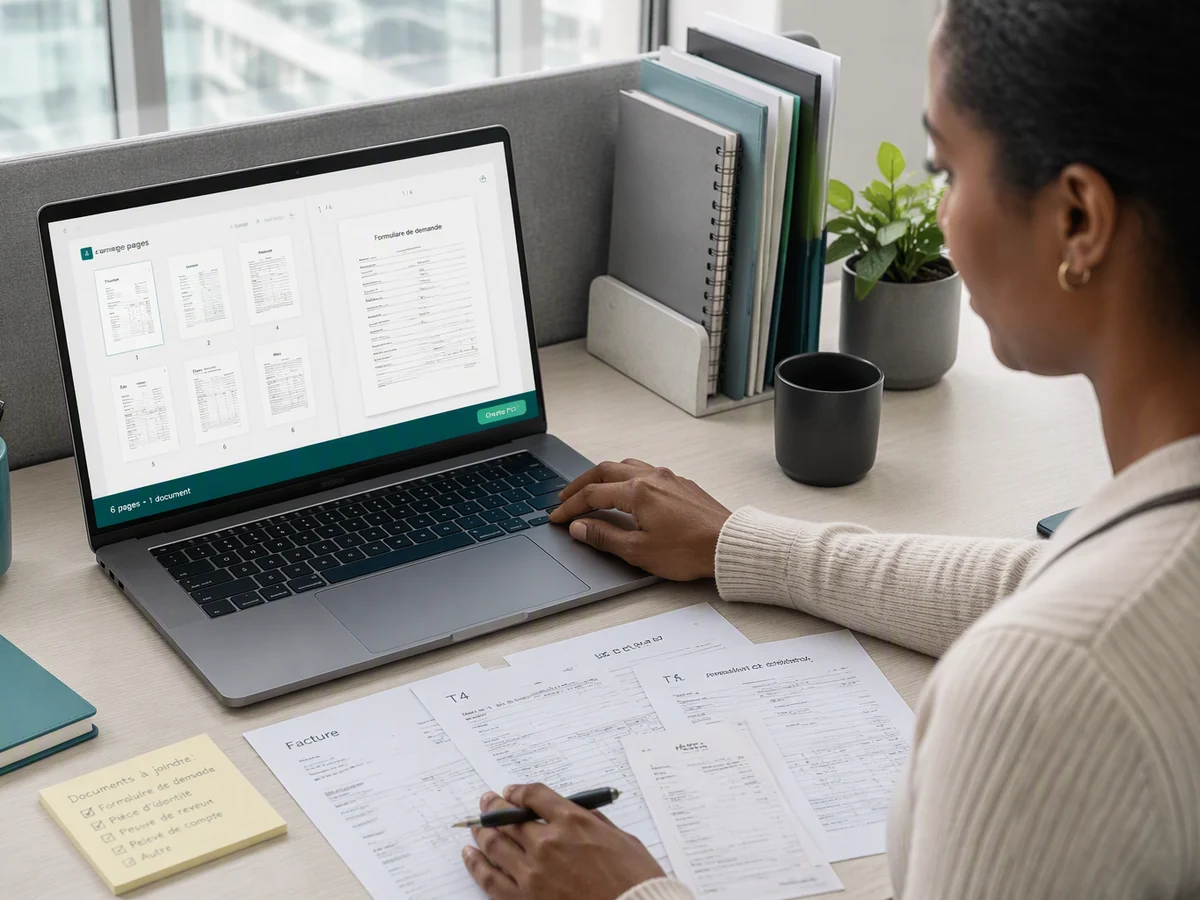
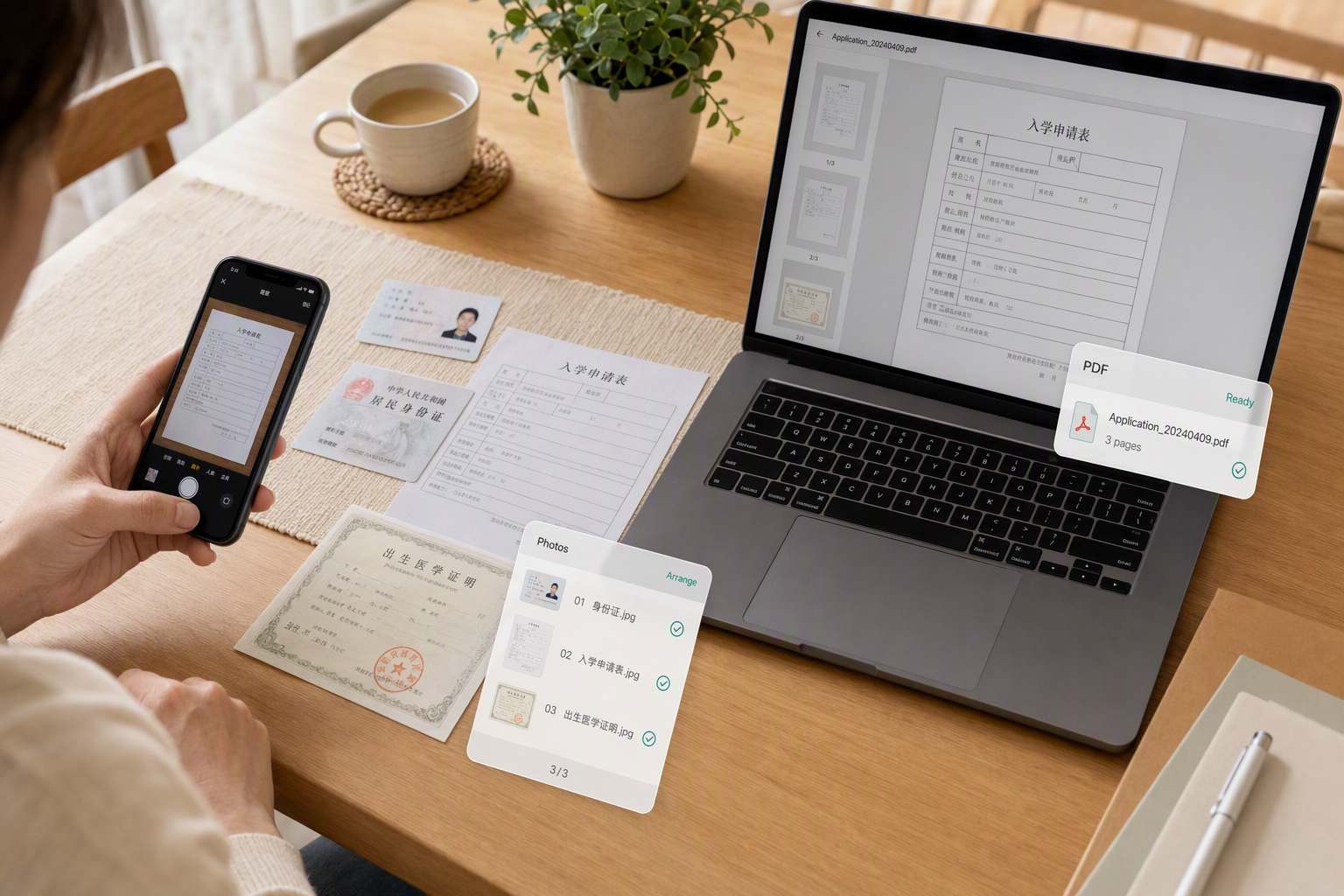
Combine Application Materials Into One PDF, Approved on the First Upload

Your social security records, ID photos, and medical reports are images, but the registration system or visa center only accepts PDFs? CamScanner merges your images into a single PDF that meets upload requirements with nothing left out, so you get approved on the first try, with no back-and-forth resubmissions.

Combine Application Materials Into One PDF, Approved on the First Upload

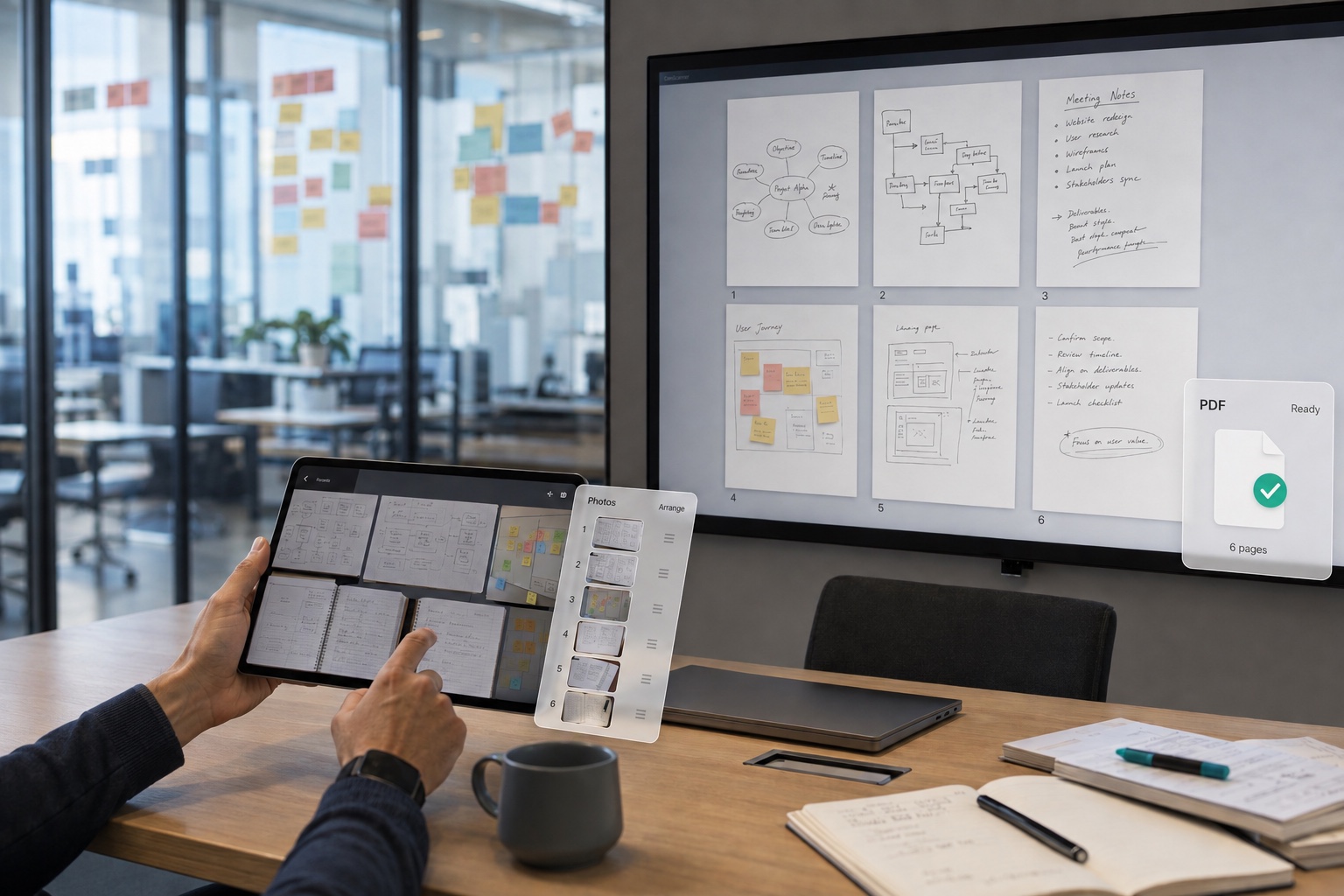
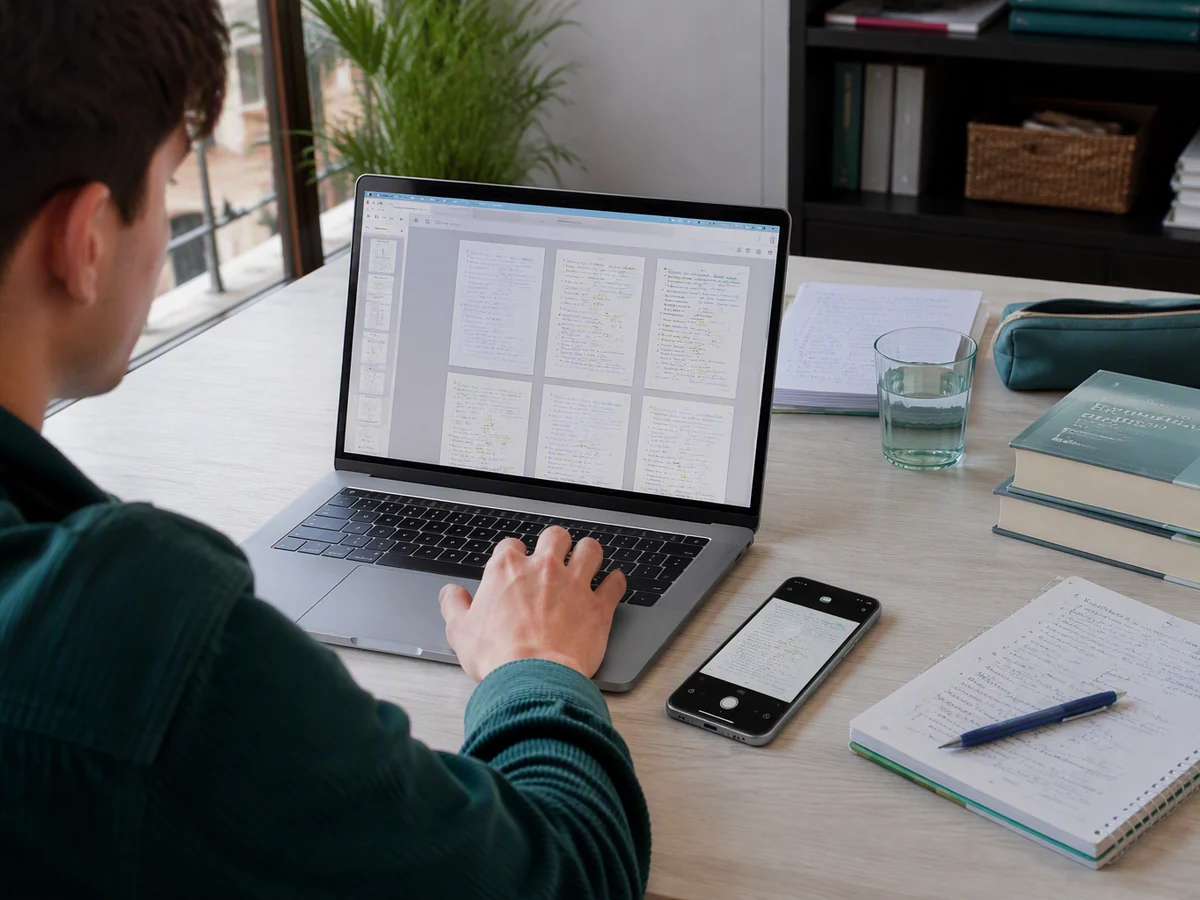
Convert Meeting Notes to PDF for Easier Review on Your Tablet

Snapped photos of slides at a lecture or meeting and want to organize your handwritten notes too? CamScanner converts them to PDF in a single file you can browse offline and mark up on your tablet. Everything stays together and in order, so one document has your review covered.

Convert Meeting Notes to PDF for Easier Review on Your Tablet

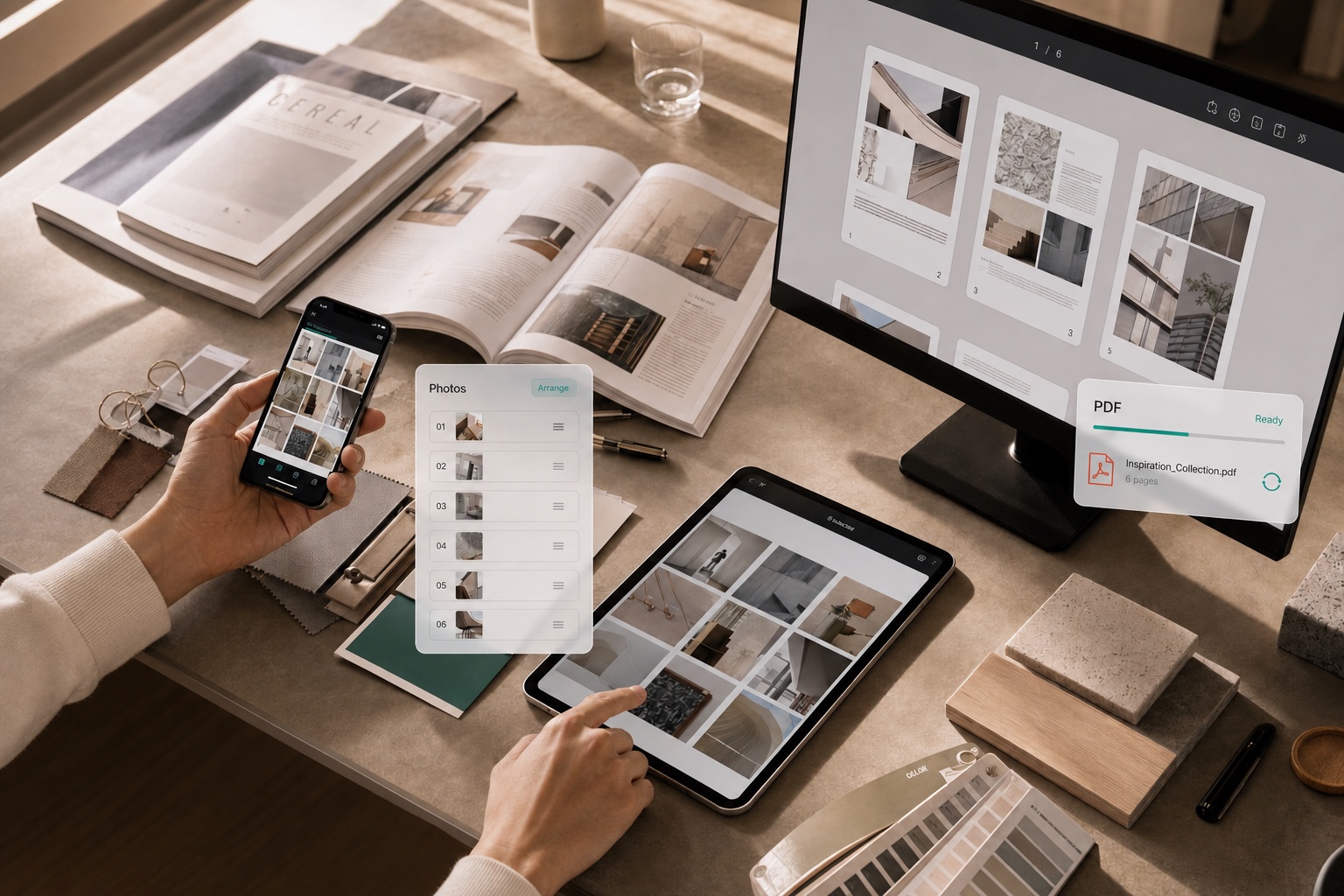
Save Reference Material as PDF, Archived Without the Clutter

Want to save long-form posts and how-to screenshots from social media? CamScanner converts them to PDF for local archiving, one file per piece, neatly categorized and open to further edits and annotations. Build a personal knowledge base or keep digital copies of print books, all easy to find.

Save Reference Material as PDF, Archived Without the Clutter

What users say about CamScanner JPG to PDF

Lin Yue

Lawyer

In my case work, I organize evidence, chat log screenshots, and paper files, and the demands on order and format are strict. CamScanner converts my images to PDF in sequence, turning scattered evidence into complete case files that are easy to store and review. Whether I'm filing with the court or presenting in a hearing, my materials stay clear and precise.

Chloé Jean-Baptiste

Administrative Staff

At our company, we constantly collect employee IDs, expense receipts, and contract documents, and managing piles of scattered images is hard. I use CamScanner to batch-convert them to PDF and file everything by employee or document type. When it's time to find, share, or hand off a file, I can locate the right content fast, which makes paperwork much easier for our Admin and HR teams.

Lucas Miller

Student

The lecture slides, whiteboard shots, lab photos, and study notes I snap add up fast, and scattered across my photo album they're hard to review. I use CamScanner to convert them to PDF and organize everything by subject or chapter. Once saved, I can view them anytime on my phone or tablet, which makes archiving notes and prepping for exams much easier.

FAQ

Can I convert JPG to PDF for free?

Yes. You can convert JPG to PDF in your browser without installing anything.

Can I combine several images into one PDF?

Yes. Upload as many as you need and they become pages in a single document. You set the order before converting.

Will my image quality drop?

No. Images are placed into the PDF at their original resolution. Nothing is recompressed or scaled down on the way in.

Can I change the page order?

Yes. Drag the thumbnails into the sequence you want before converting. This matters more than people expect — phone photos sort by capture time, not by how the document should read.

Can I convert JPG to PDF on Mac or mobile?

Yes. The converter runs in any browser on macOS, Windows, Linux, iOS, and Android. You can also use the CamScanner app for iOS and Android.

Is my data secure when converting JPG to PDF?

Yes. Files are encrypted in transit and never shared with third parties. CamScanner is certified to ISO/IEC 27001, ISO/IEC 27701, and ISO/IEC 20000.

Can I turn a PDF back into images?

Yes. CamScanner's PDF to JPG converter does the reverse — upload the PDF and each page comes back as its own image file.

CamScanner on the Web

Use JPG to PDF directly in your browser, with no installation.

CamScanner Mobile App

Scan the QR code to download the app, and capture with enhancement in one step.

QR code to download CamScanner
Terms of Service|Privacy Policy|Security & Compliance|AI Agent|FAQ|Blog
Follow us
© 2026 INTSIG. All rights reserved.
CamScanner

Cookies Settings

These cookies are essential in order to enable you to move around the website and use its features. Without these cookies services you have asked for cannot be provided.

We'd like to set Google Analytics or Baidu Analytics cookies to help us to improve our website by collecting and reporting information on how you use it. The cookies collect information in a way that does not directly anyone. For more information on how these cookies work, please see our 'Cookies page'.