CamScanner
  • Tools
    Scan
    • Scan Documents
    • Scan IDs
    • Scan Books
    • Scan Test Papers
    • Capture Whiteboards
    • Capture Slides
    • Image to Text
    Convert PDF
    • PDF to Word
    • Word to PDF
    • PDF to Excel
    • Excel to PDF
    • PDF to PPT
    • PPT to PDF
    • PDF to JPG
    • JPG to PDF
    Edit PDF
    • Merge PDF
    • Split PDF
    • Organize PDF
    • Rotate PDF Pages
    • Delete PDF Pages
    • Add Watermark
    • Protect PDF
    • Sign PDF
    App-Only
    • MeasureMeasure distances with your phone.
    • Ask AIAsk AI questions and get answers on any topic.
    • ScrollshotCapture full-page scrolling screenshots.
    • CountCamCount objects with your camera.
  • Premium
  • For Business
  • Download
  • Devices
  • AI Agent
  • 简体中文繁體中文EnglishBahasa IndonesiaEspañol
简体中文繁體中文EnglishBahasa IndonesiaEspañol
Web AppSign In
PDF to WordWord to PDFImage to TextPDF to ExcelExcel to PDFPDF to PPTPPT to PDFPDF to JPGJPG to PDF
Merge PDFSplit PDFOrganize PDFRotate PDF PagesDelete PDF PagesAdd WatermarkProtect PDFSign PDF

PPT to PDF Converter Online

Convert PPT and PPTX files into PDFs with slide layout, fonts, and images held in place.

CamScanner Ensures File Security

We care about privacy. Our PDF converter secures your files with 256-bit SSL Encryption, and the data you submit won't be shared with or accessed by any other parties.

PPT to PDF Online Converter

There is no need to install a program or download an app. CamScanner works online with any web-browser. All you need is a stable internet connection.

Cloud-Based Conversion Service

We have many servers in the cloud which do nothing else than converting PPT to PDF files. So, lean back and let them do the work.

Your Fonts Travel With the File

A deck opened on a machine without your typefaces falls back to whatever it can find, and the text reflows. Converting to PDF bakes the type into the page, so every slide looks the way you built it.

One Slide to a Page, Ready to Print

Each slide becomes its own page at the right proportions. Hand it out before a session or print it for people who want to annotate as you talk.

No PowerPoint Needed to Open It

Clients, students, and reviewers can read a PDF in a browser or on a phone. Nobody has to own PowerPoint or find the right version to see what you sent.

How to Convert PPT to PDF Online

  1. Open the CamScanner PPT to PDF converter

    Works in your browser on any device — nothing to install.

  2. Add your PowerPoint file

    Drag and drop the presentation, pick it from your device, or import it from your CamScanner account.

  3. Click Convert

    CamScanner processes the file and locks each slide into PDF format.

  4. Download your PDF

    Save the file to your device, ready to send or print.

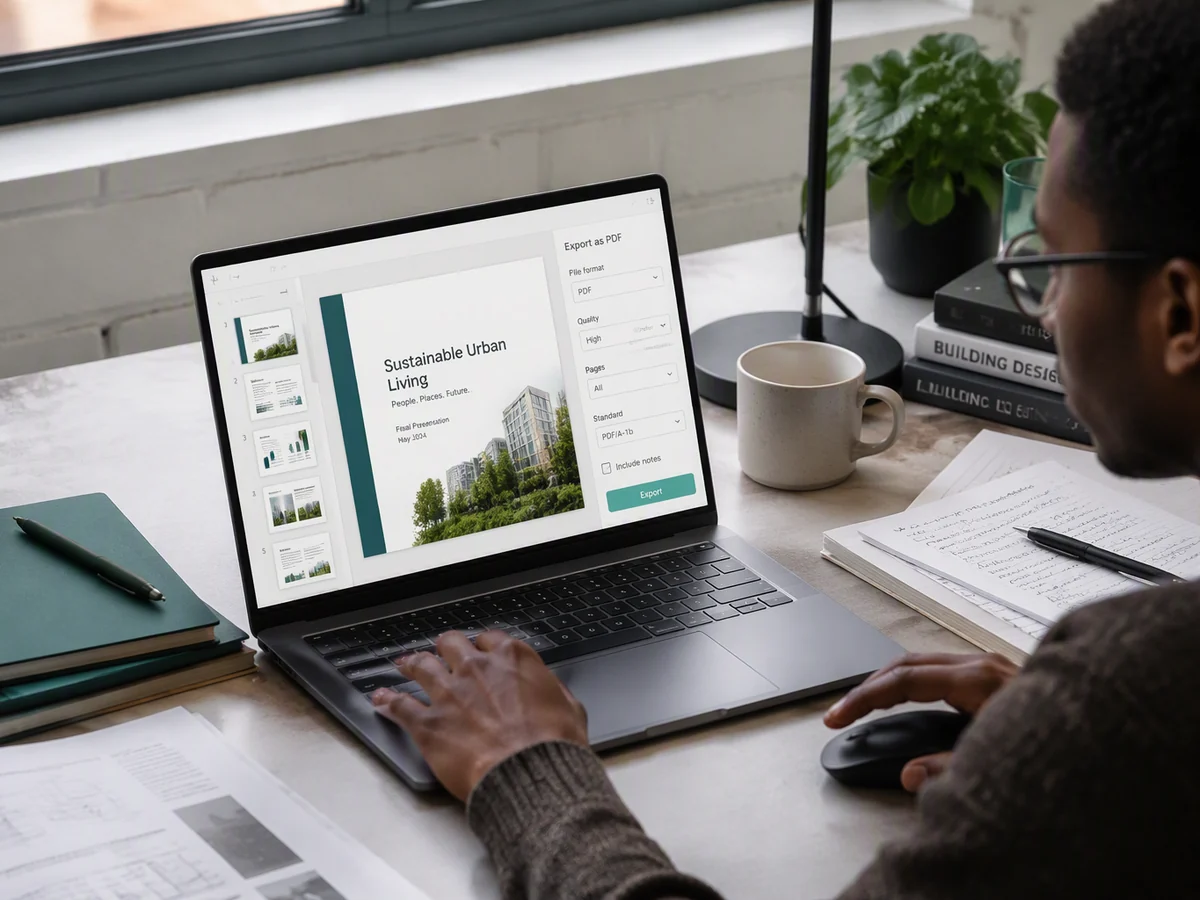
Convert PPT to PDF for Tamper-Proof Submission and Archiving

For students submitting coursework and thesis projects, employees turning in year-end reports and project proposals, does handing them over as a PPT feel unprofessional? Convert them to PDF with CamScanner for a proper archival format: the content stays fixed and unaltered, so submitting and filing are both standardized and secure.
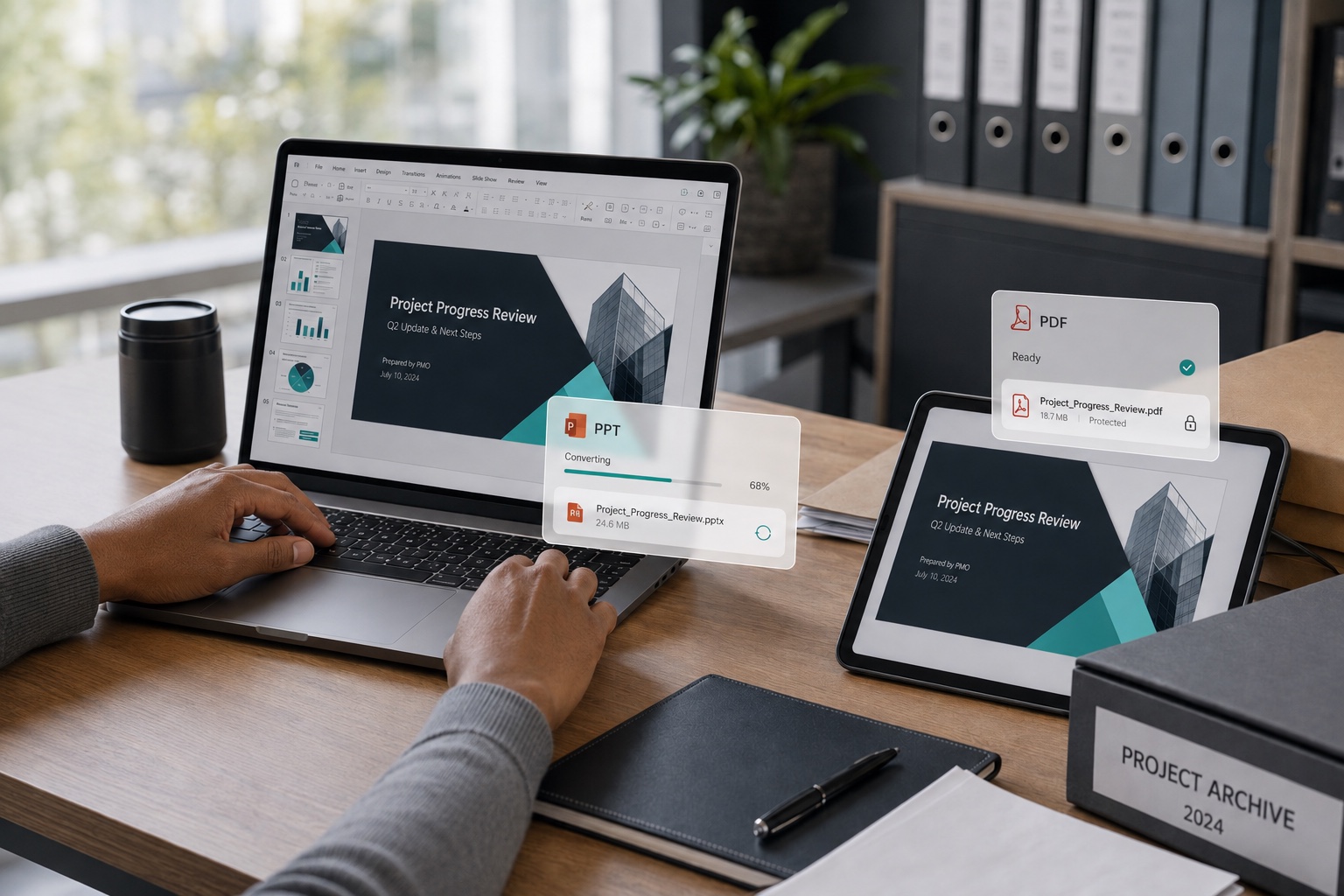
Convert PPT to PDF for Tamper-Proof Submission and Archiving

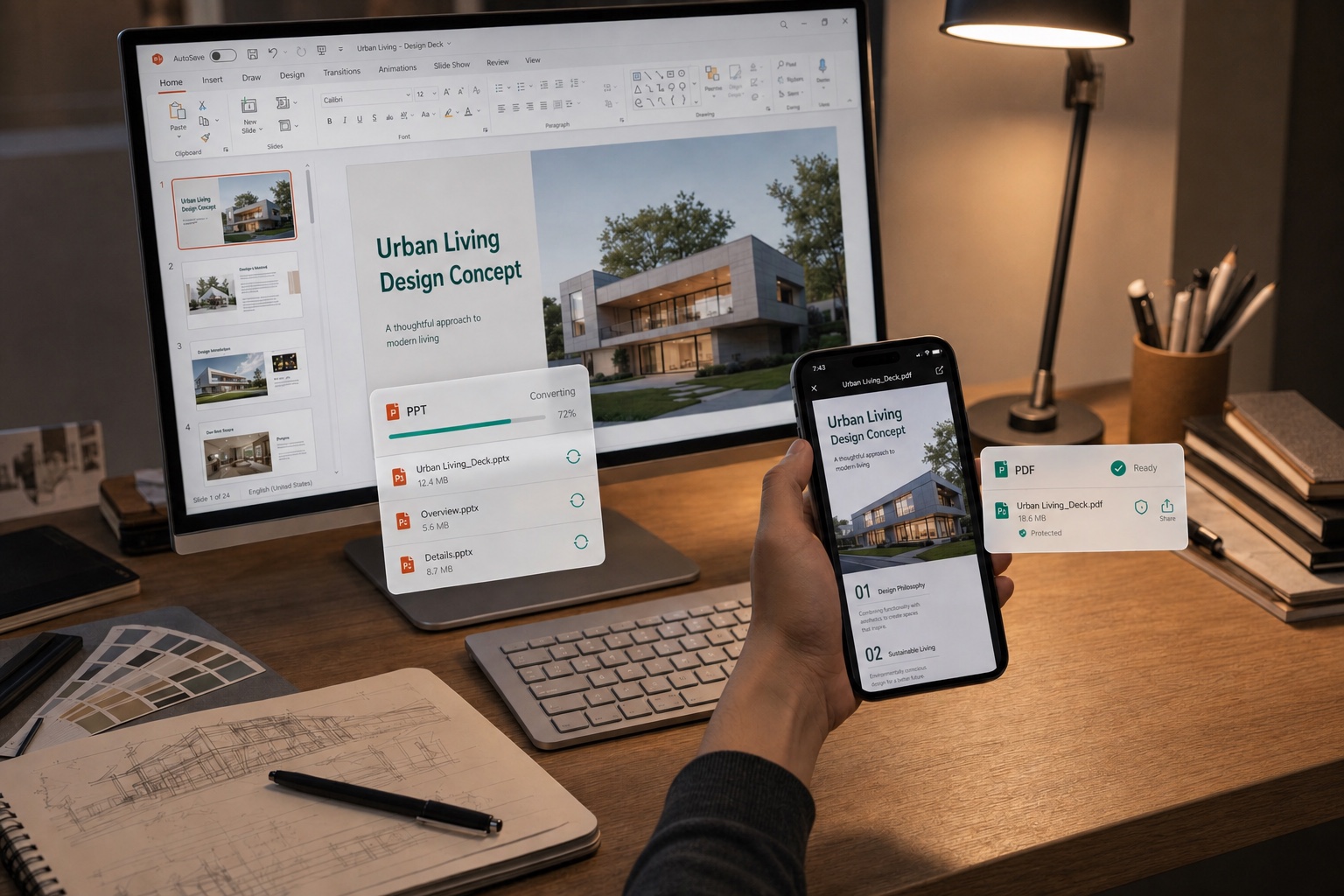
Open across Devices with Fonts and Layout Intact

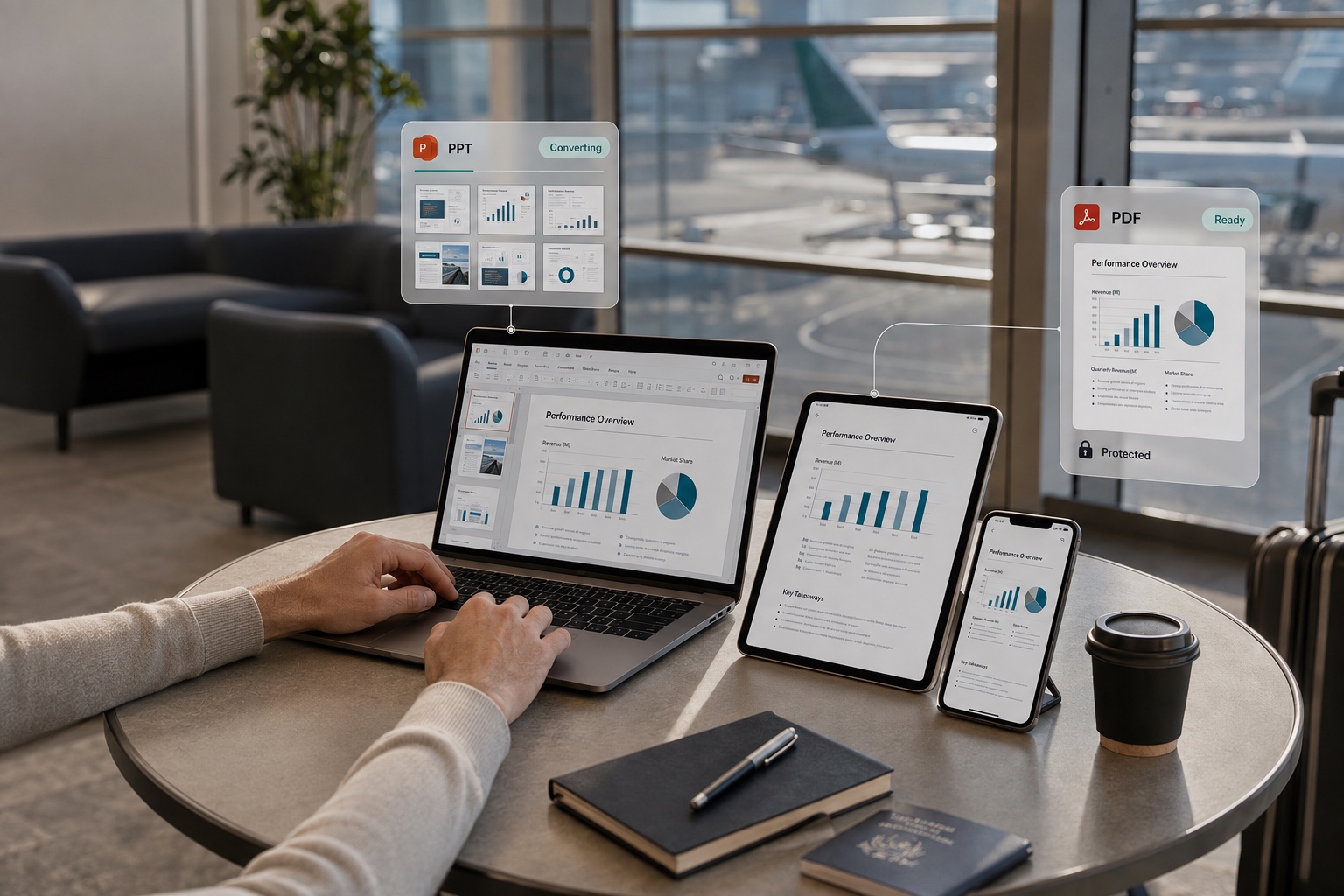
Open a PPT on a computer, phone, or tablet without Office installed, and fonts go missing while the layout falls apart? Convert it to PDF with CamScanner and it looks the same on every device, so screen-sharing presentations and quick check-ins never let you down and you present with confidence.

Open across Devices with Fonts and Layout Intact

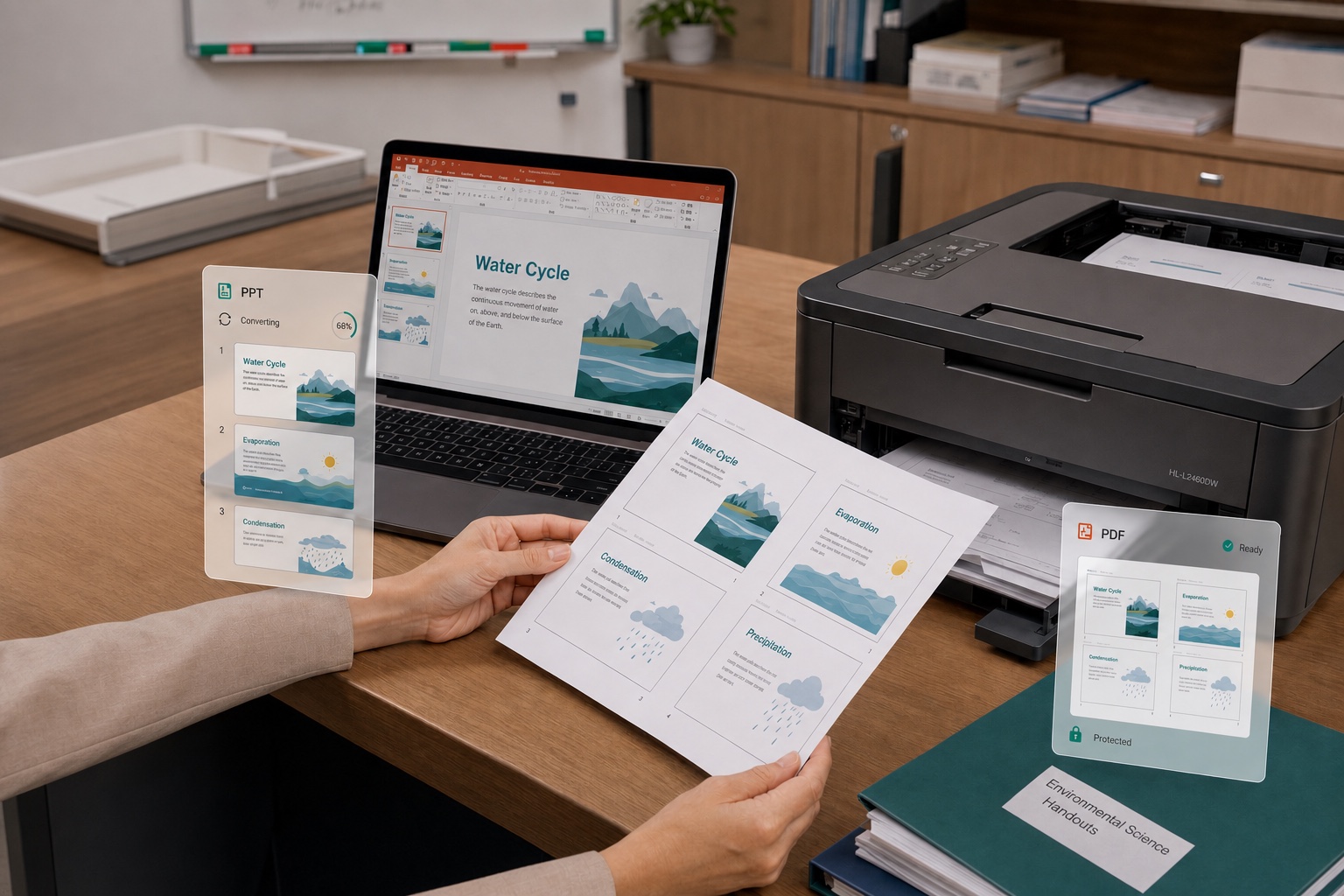
Convert to PDF to Print Handouts and Save Paper

Need to print and hand out a PPT to your audience or students, but one slide per page wastes too much paper? Convert it to PDF with CamScanner and set it to handout mode with multiple slides per page. The layout stays clear and you save paper, making it professional and cost-effective to share materials in trainings and classrooms.

Convert to PDF to Print Handouts and Save Paper

Convert to PDF to Send Smaller Files That Protect Your Content

Sending proposals and quotes to clients or uploading them to a system, but the PPT is too large and you worry it will be edited? Convert it to PDF with CamScanner for a smaller file with consistent formatting, perfect for email attachments and online uploads. It also keeps others from changing your content or exposing your animation notes, so you can share with peace of mind.

Convert to PDF to Send Smaller Files That Protect Your Content

What users say about CamScanner PPT to PDF

Nadia Khalil

Event Organizer

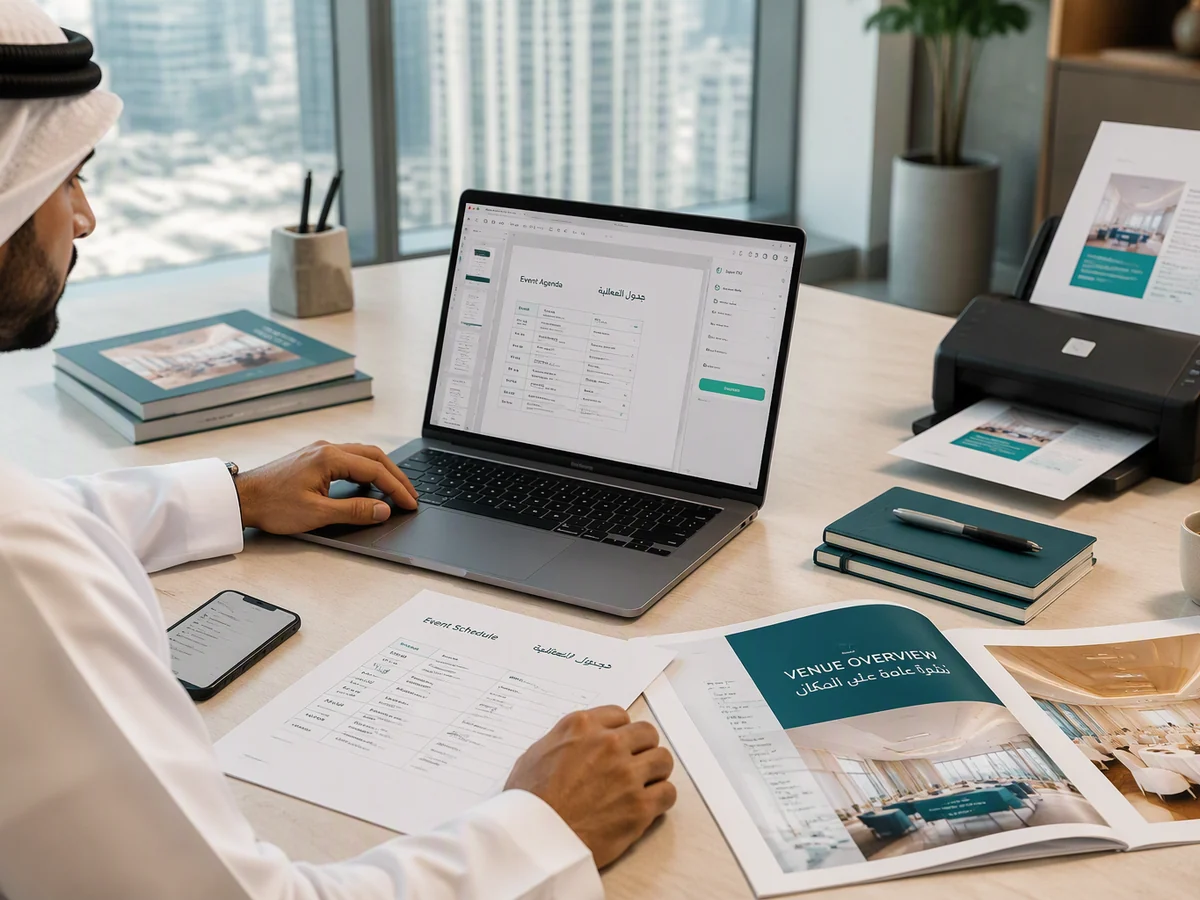
My attendees all use different devices and software, so sending event schedules, agendas, and training materials as PPT gets messy. Once I convert them to PDF with CamScanner, the layout holds steady and it's easy to view on a phone or computer, or project on-site. Sending one clean file means fewer files that won't open or show up with broken formatting.

Ananya Iyer

Student

My teachers usually require PDF for coursework, thesis defenses, and presentations. I use CamScanner to convert my finished PPT to PDF, which locks the text, images, and layout in place and cuts down on formatting issues. Whether I submit online, print, or archive it, the file stays consistent, so I feel more confident when I hand it in.

Haruki Tanaka

Teacher

When I need to send courseware and handouts to my students, I convert my PPT to PDF with CamScanner so it's easy to upload to our teaching platform or share in class groups. The layout stays put, my students can open it on their phones, tablets, and computers, and it's easy to save and print. It's made sharing materials so much easier.

FAQ

Can I convert PPT to PDF for free?

Yes. You can convert PPT to PDF in your browser without installing anything.

Will my slides look the same in the PDF?

Yes. Fonts, images, charts, and positioning all carry over, and each slide becomes a page at its original proportions. Embedded video and audio won't play in a PDF, and animated builds appear in their finished state.

Do animations and transitions carry over?

No. A PDF is a static document, so slide transitions and animated builds don't survive. Anything that animated into view shows up in its final position.

Will my speaker notes be included?

No. Only the slides convert. Notes stay in the PowerPoint file, which is usually what you want when sharing a deck with an audience.

Can I convert other Office files to PDF?

Yes. CamScanner also handles Word to PDF and Excel to PDF, and converts PDFs back to Word, Excel, and PowerPoint.

Can I convert PPT to PDF on Mac or mobile?

Yes. The converter runs in any browser on macOS, Windows, Linux, iOS, and Android. You can also use the CamScanner app for iOS and Android.

Is my data secure when converting PPT to PDF?

Yes. Files are encrypted in transit and never shared with third parties. CamScanner is certified to ISO/IEC 27001, ISO/IEC 27701, and ISO/IEC 20000.

Why send a PDF instead of the PowerPoint file?

A PPTX can reflow on a machine missing your fonts, and anyone who opens it can move things by accident. A PDF displays identically everywhere and arrives exactly as you built it.

CamScanner on the Web

Use PPT to PDF directly in your browser, with no installation.

CamScanner Mobile App

Scan the QR code to download the app, and capture with enhancement in one step.

QR code to download CamScanner
Terms of Service|Privacy Policy|Security & Compliance|AI Agent|FAQ|Blog
Follow us
© 2026 INTSIG. All rights reserved.
CamScanner

Cookies Settings

These cookies are essential in order to enable you to move around the website and use its features. Without these cookies services you have asked for cannot be provided.

We'd like to set Google Analytics or Baidu Analytics cookies to help us to improve our website by collecting and reporting information on how you use it. The cookies collect information in a way that does not directly anyone. For more information on how these cookies work, please see our 'Cookies page'.