CamScanner
  • Tools
    Scan
    • Scan Documents
    • Scan IDs
    • Scan Books
    • Scan Test Papers
    • Capture Whiteboards
    • Capture Slides
    • Image to Text
    Convert PDF
    • PDF to Word
    • Word to PDF
    • PDF to Excel
    • Excel to PDF
    • PDF to PPT
    • PPT to PDF
    • PDF to JPG
    • JPG to PDF
    Edit PDF
    • Merge PDF
    • Split PDF
    • Organize PDF
    • Rotate PDF Pages
    • Delete PDF Pages
    • Add Watermark
    • Protect PDF
    • Sign PDF
    App-Only
    • MeasureMeasure distances with your phone.
    • Ask AIAsk AI questions and get answers on any topic.
    • ScrollshotCapture full-page scrolling screenshots.
    • CountCamCount objects with your camera.
  • Premium
  • Enterprise
  • Download
  • Devices
  • AI Agent
  • 简体中文繁體中文EnglishBahasa IndonesiaEspañol
简体中文繁體中文EnglishBahasa IndonesiaEspañol
Web AppSign In
PDF to WordWord to PDFImage to TextPDF to ExcelExcel to PDFPDF to PPTPPT to PDFPDF to JPGJPG to PDF
Merge PDFSplit PDFOrganize PDFRotate PDF PagesDelete PDF PagesAdd WatermarkProtect PDFSign PDF

PDF to JPG Converter Online

Turn PDF pages into JPG or PNG images at full resolution, with every page saved as its own file.

CamScanner Ensures File Security

We care about privacy. Our PDF converter secures your files with 256-bit SSL Encryption, and the data you submit won't be shared with or accessed by any other parties.

PDF to JPG Online Converter

There is no need to install a program or download an app. CamScanner works online with any web-browser. All you need is a stable internet connection.

Cloud-Based Conversion Service

We have many servers in the cloud which do nothing else than rendering PDF pages as images. So, lean back and let them do the work.

JPG or PNG, Your Call

Pick JPG for a smaller file that's quick to send, or PNG when the page holds fine text, line art, or a background you need to keep transparent.

Every Page, Its Own File

A twelve-page PDF comes back as twelve images in one pass. No need to export pages one at a time, and the files arrive numbered in reading order.

Text Stays Readable When You Zoom

Pages render at full resolution rather than a screen-sized preview. Small print and thin diagram lines hold up when the image is enlarged or printed.

How to Convert PDF to JPG Online

  1. Open the CamScanner PDF to JPG converter

    Works in your browser on any device — nothing to install.

  2. Add your PDF

    Drag and drop the file, pick it from your device, or import it from your CamScanner account.

  3. Click Convert

    CamScanner renders each page as an image file.

  4. Download your images

    Save the files to your device, ready to post, print, or drop into a document.

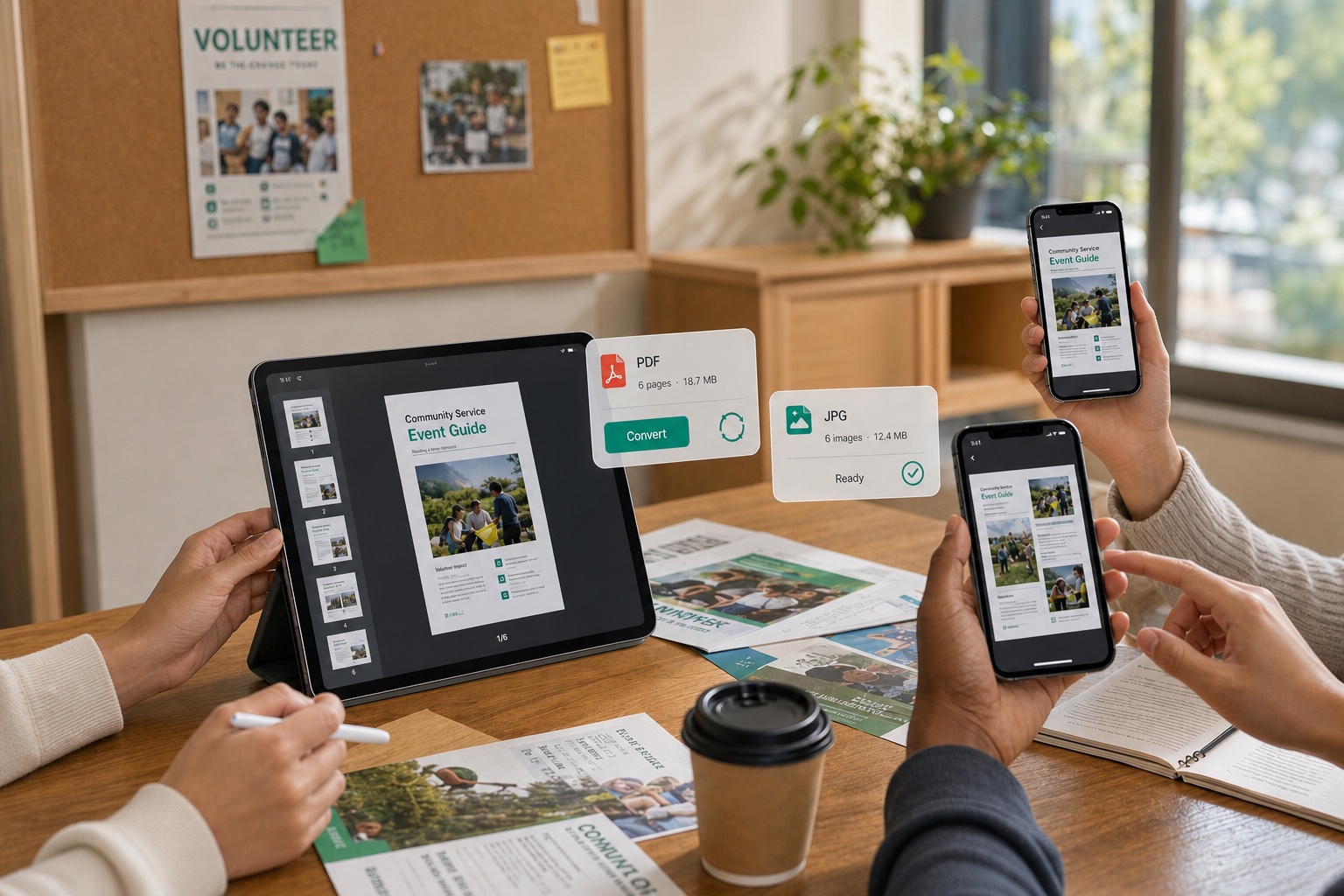
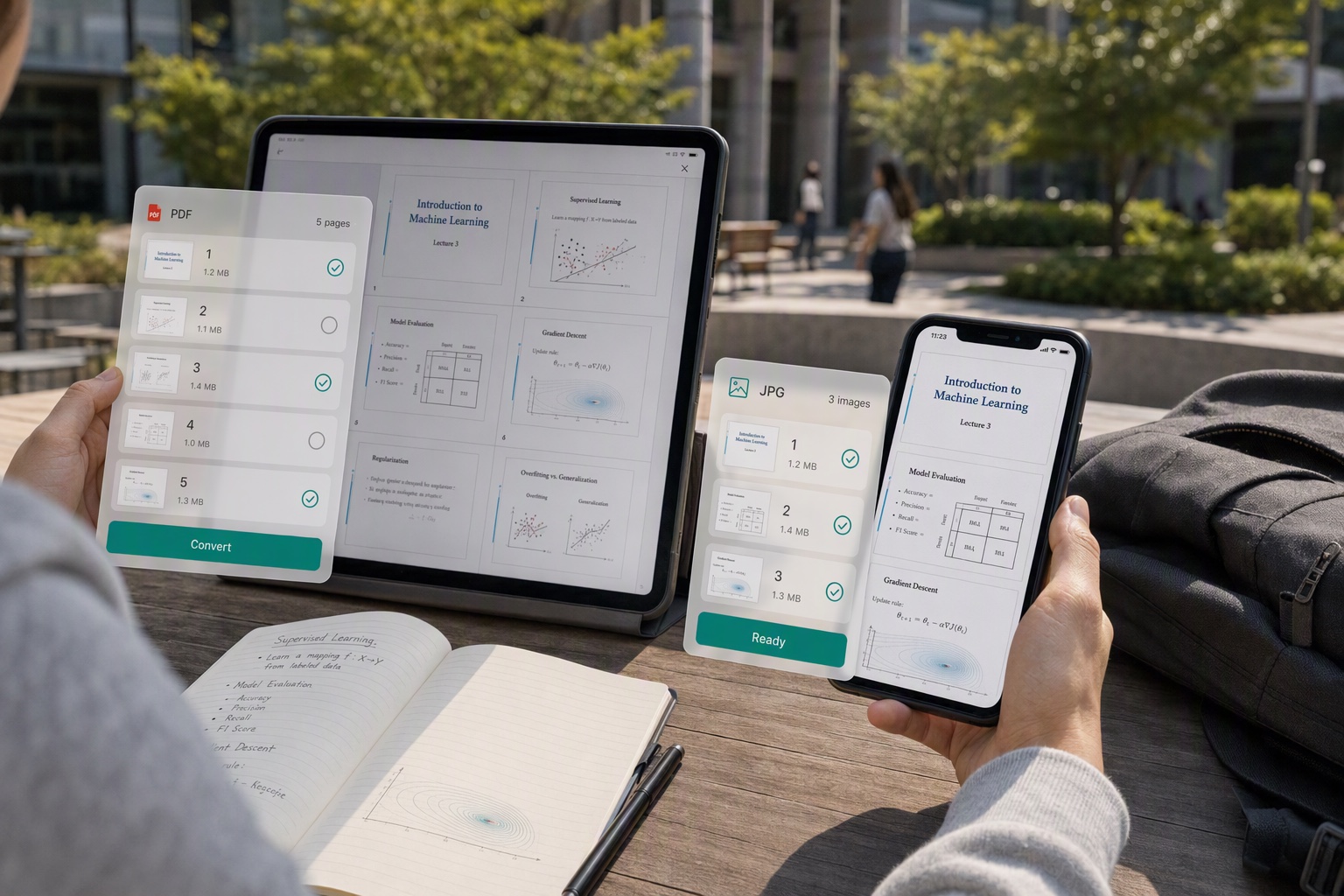
Turn Course Materials into Images for Anytime Review

Tired of waiting every time you open a PDF handout your teacher sent? CamScanner turns it into JPGs saved to your phone's album in seconds, so you can swipe through them while commuting or standing in line. Zoom in on key pages for a crystal-clear view, review in spare moments, and watch your study efficiency climb.
Turn Course Materials into Images for Anytime Review

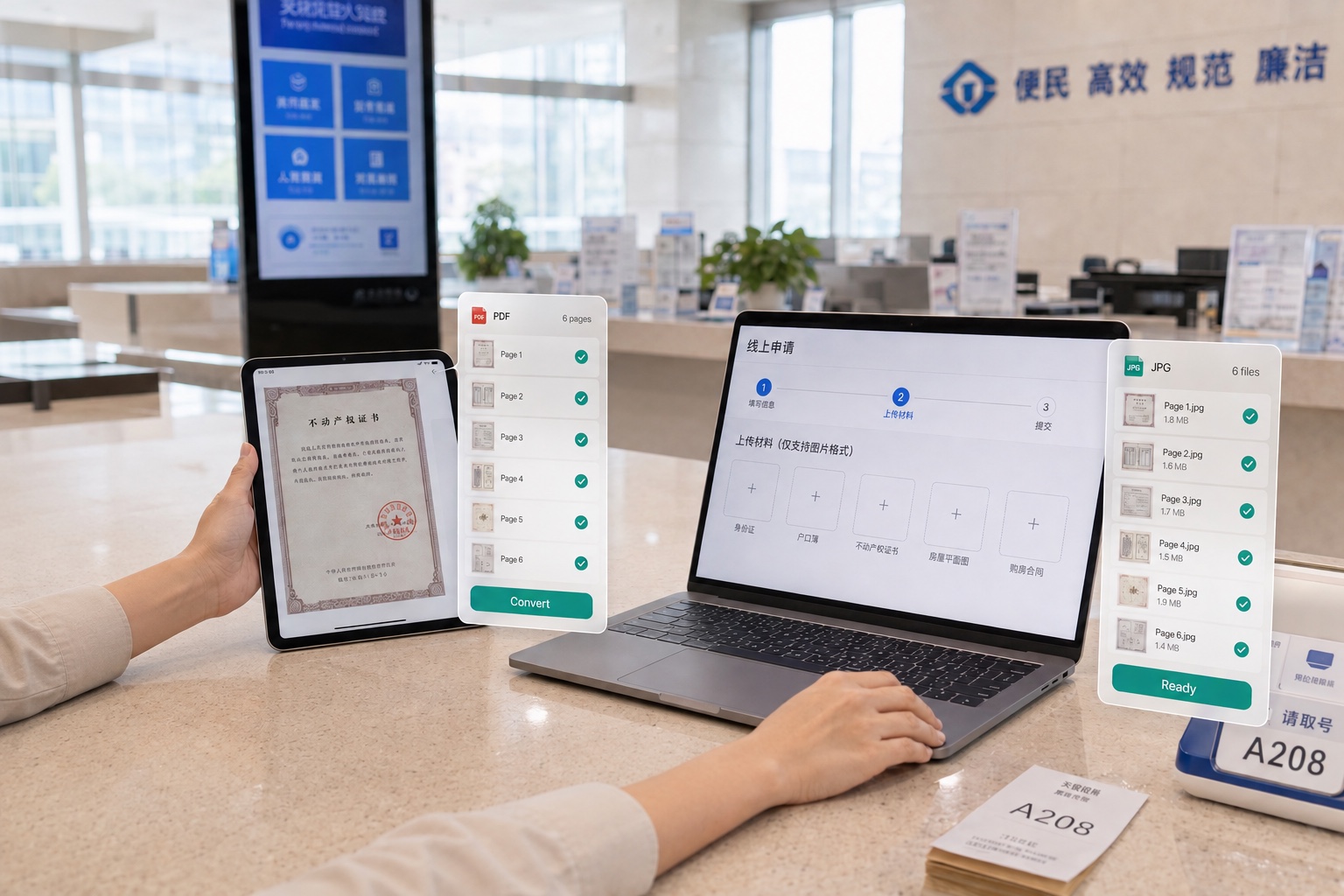
Only Takes Images? Convert to JPG and Upload Easily

Uploading documents, portfolios, or certificates, only to find the page takes JPG but not PDF? With CamScanner, convert your PDF to images in one tap. The format changes instantly with no loss of clarity, so your upload goes through the first time and you're never stuck on a "format not supported" error again.

Only Takes Images? Convert to JPG and Upload Easily

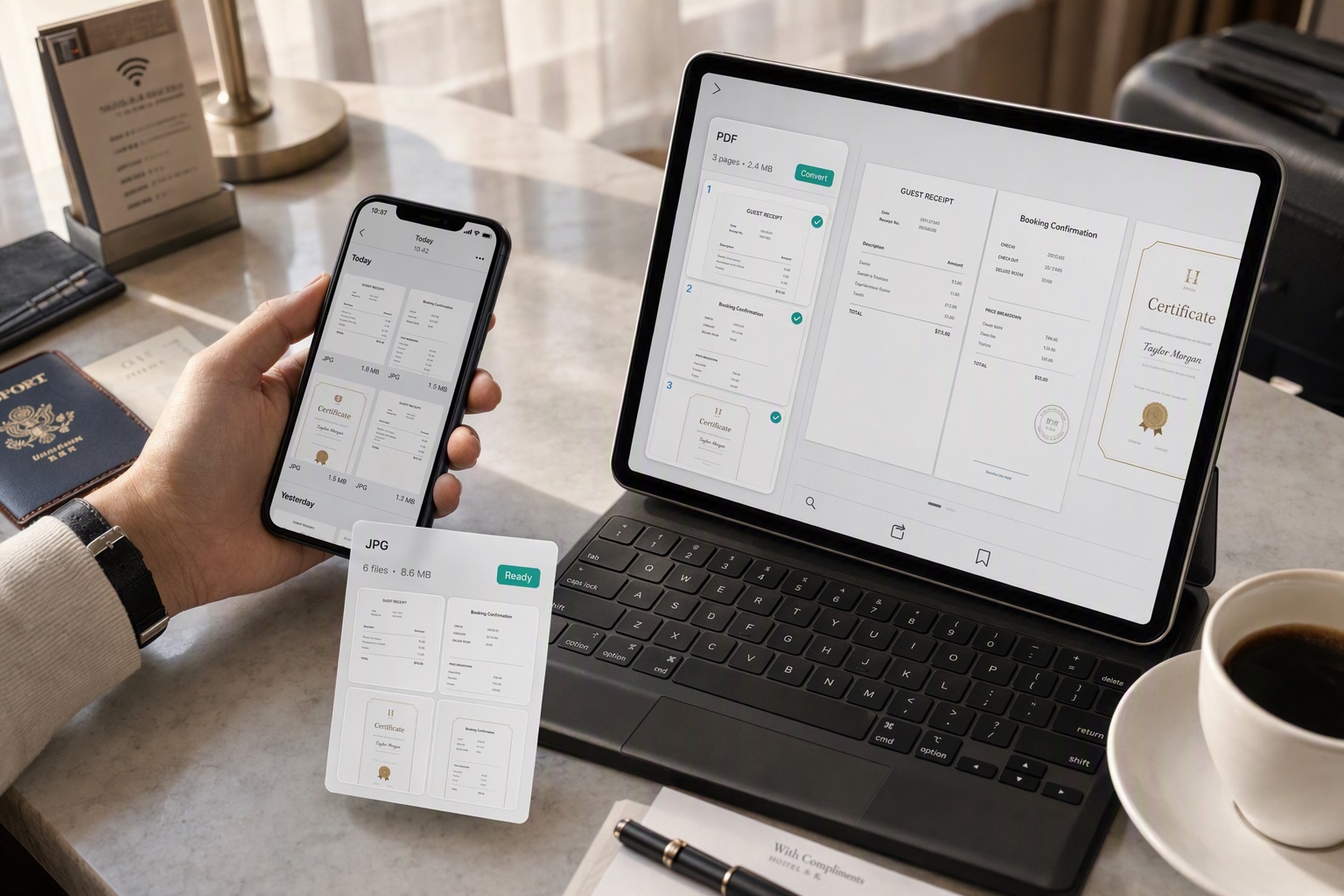
Save E-Tickets and Certificates as Images, Ready Whenever You Need Them

Boarding passes, itineraries, and all kinds of e-certificates buried in PDFs, leaving you searching when you need them? CamScanner converts PDFs to JPGs saved right in your album, so you can pull them up with a single swipe at the gate, at check-in, or whenever you need to show them. No more scrambling when you're on the move.

Save E-Tickets and Certificates as Images, Ready Whenever You Need Them

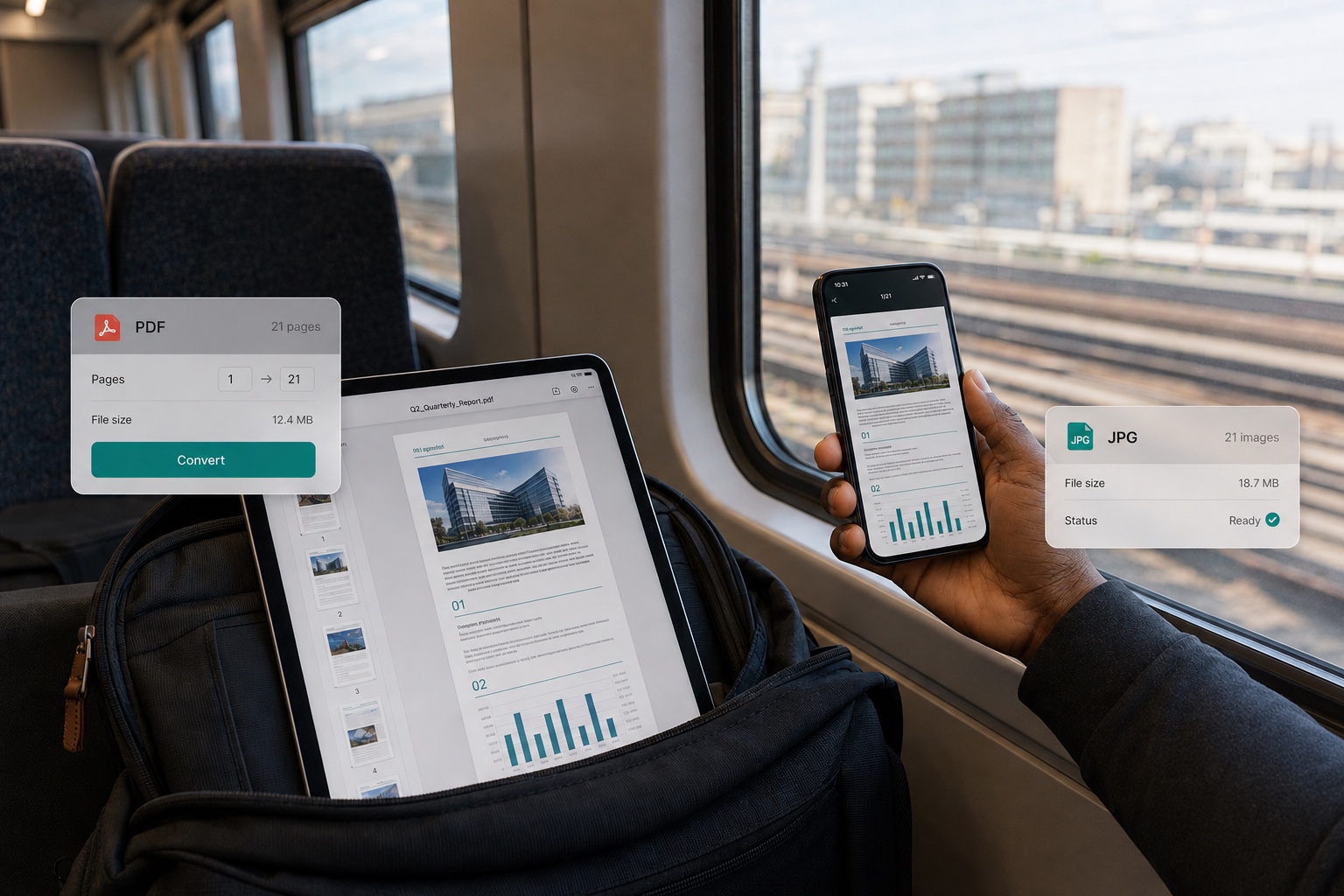
Split Long Documents into Images for Reading on the Go

Want to post e-books or industry reports to social media, but PDFs can't be scrolled directly? CamScanner splits your PDF into multiple images that you can arrange as long images or grids, built for the way people read on mobile. Readers scroll straight through, making your content easier to share.

Split Long Documents into Images for Reading on the Go

Share as Images in Chats, Fast for Everyone

Sending contracts, reports, or proposals in group and team chats, only to have PDFs load slowly and require a special reader to open? Convert them to images first: they open instantly, load in seconds on any device, and keep team collaboration running without a hitch so everyone stays in sync.

Share as Images in Chats, Fast for Everyone

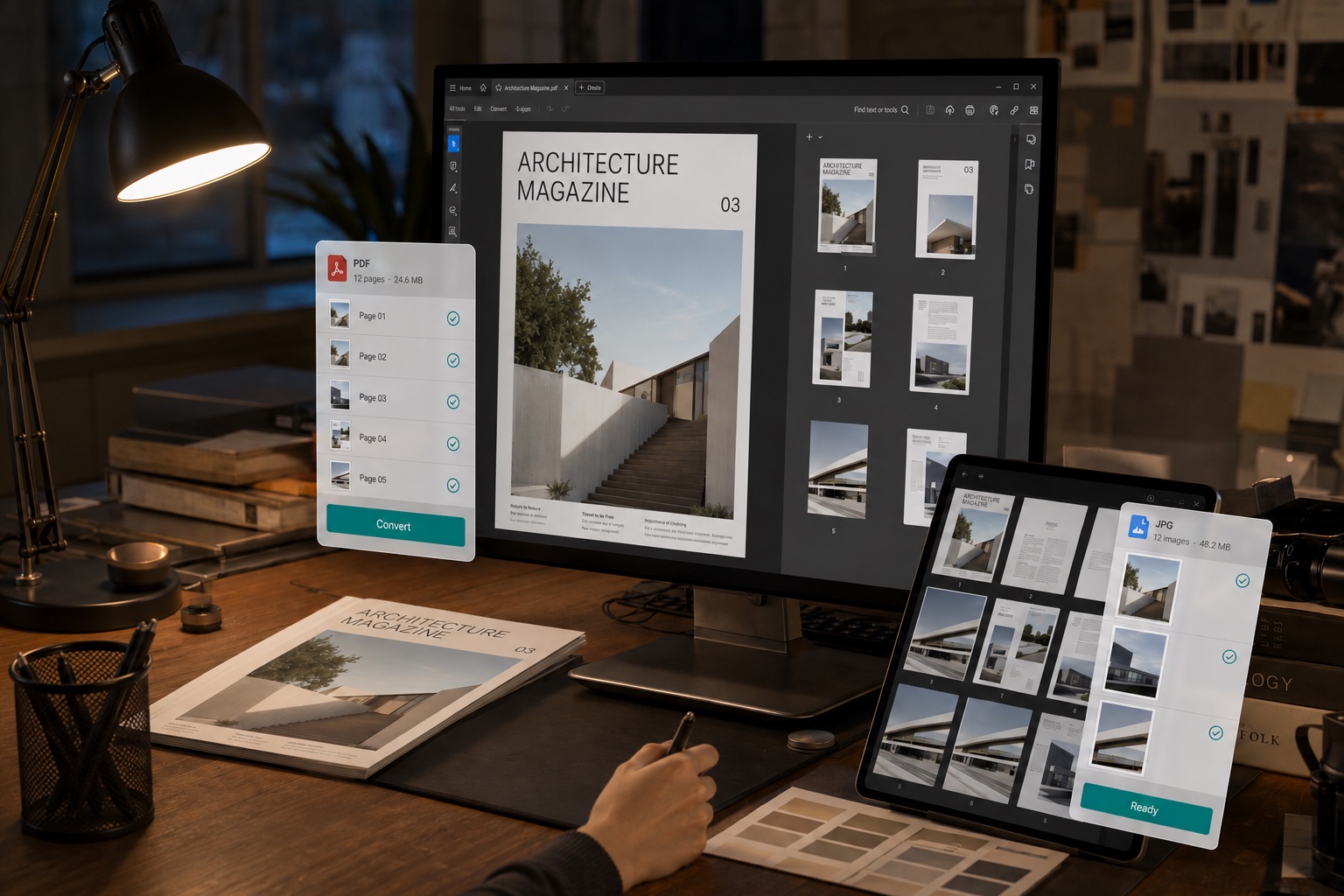
Share as Images, Tamper-Proof and Copyright-Safe

Need to send out beautifully laid-out proposals, design drafts, or sensitive files, but worried they'll be freely copied or edited? CamScanner converts your PDF into images that keep the original layout intact and make the text impossible to edit directly, so what you distribute looks professional and stays secure.

Share as Images, Tamper-Proof and Copyright-Safe

What users say about CamScanner PDF to JPG

Jing Zhang

Office Worker

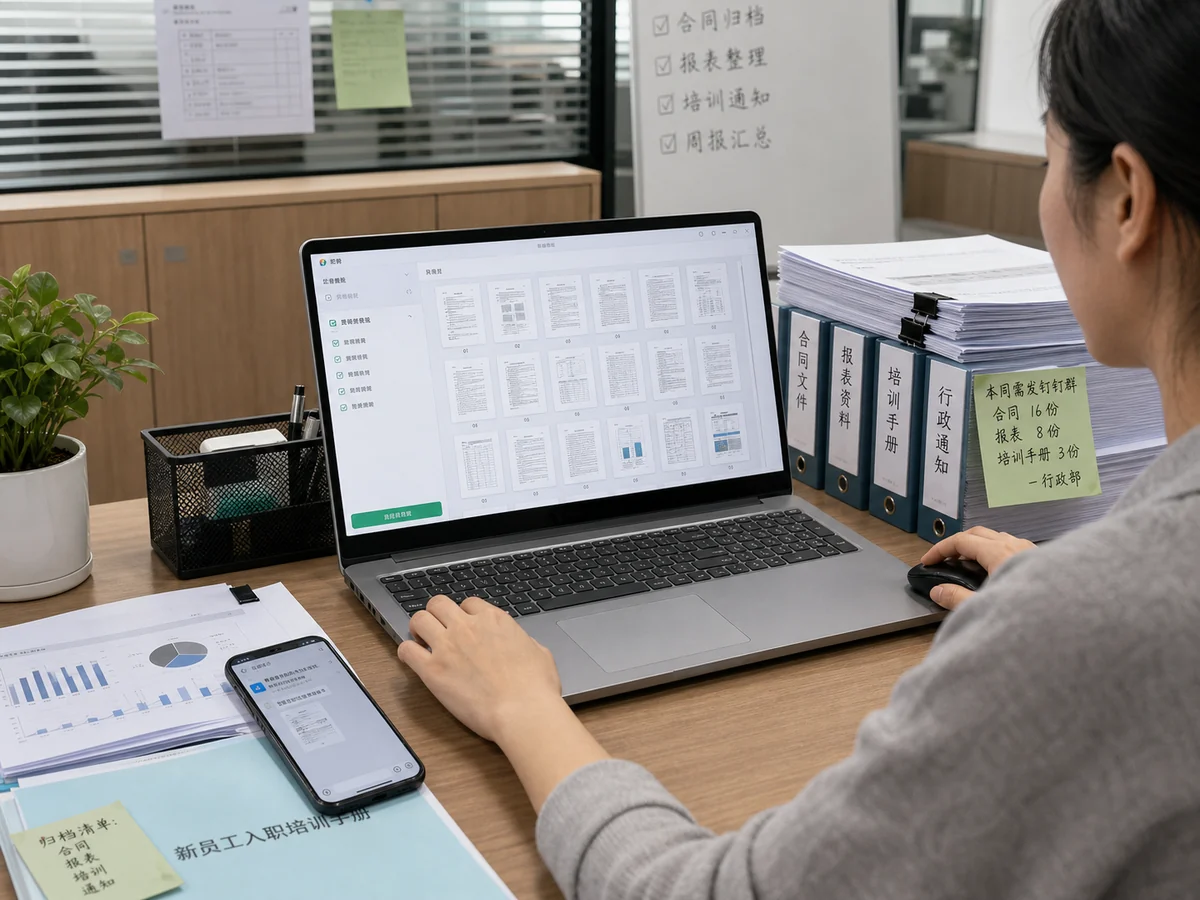
In administration, we handle a lot of contracts, reports, and training manuals every day. We used to screenshot them page by page before sharing or archiving, which was slow and easy to mix up. Now we use CamScanner to batch-convert PDFs to images and finish in no time. Once shared to a team chat, colleagues can open and view them right away, and filing is much tidier. It has made our admin, HR, and finance teams noticeably more efficient.

Jordan Davis

Content Creator

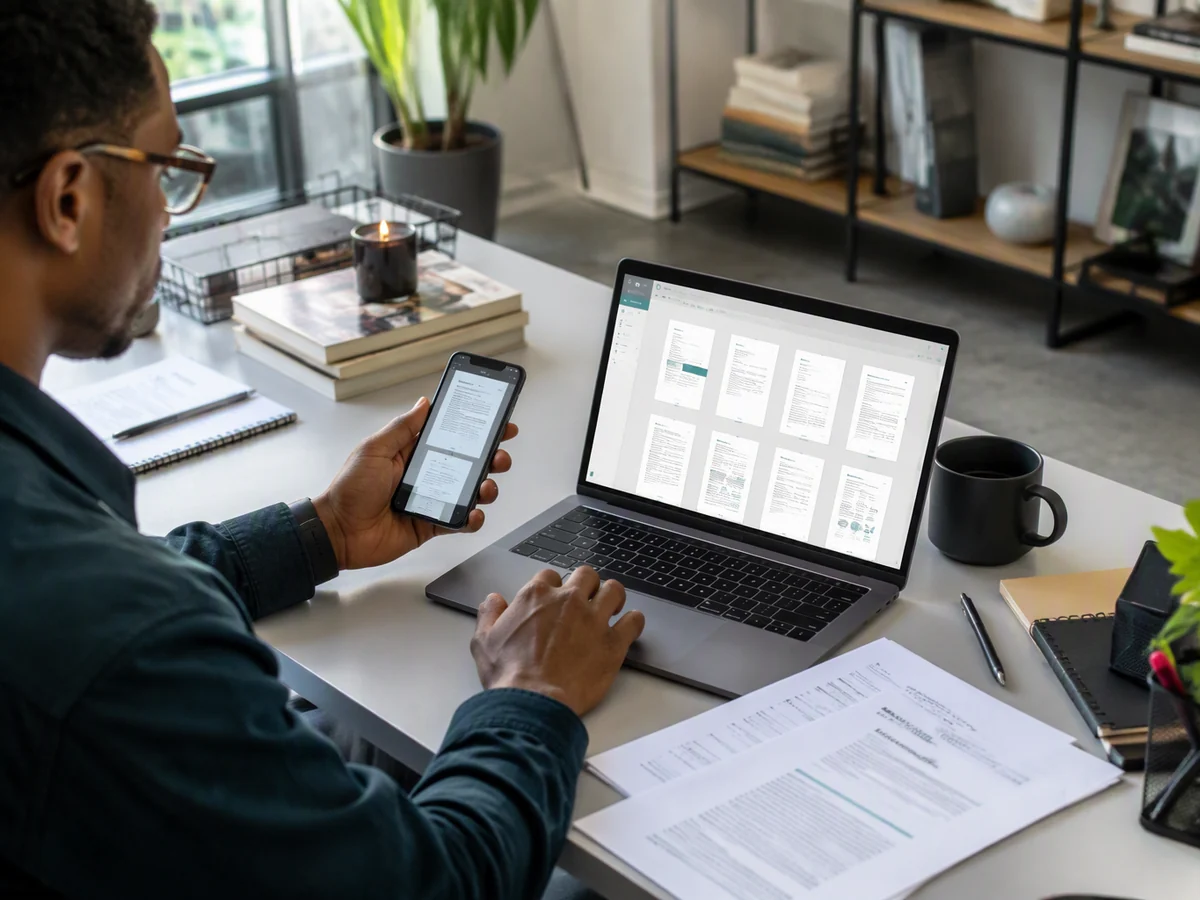
For my blog and short-video content, I often need to turn industry reports and useful resources into image cards. Now I use CamScanner to convert PDFs into high-definition images, then stitch them into long images, design covers, or pull out content, and it is remarkably convenient. When I publish to social platforms, the images are sharp and neatly laid out, and my production is a lot more efficient.

Émilie Laurent

Students and Educators

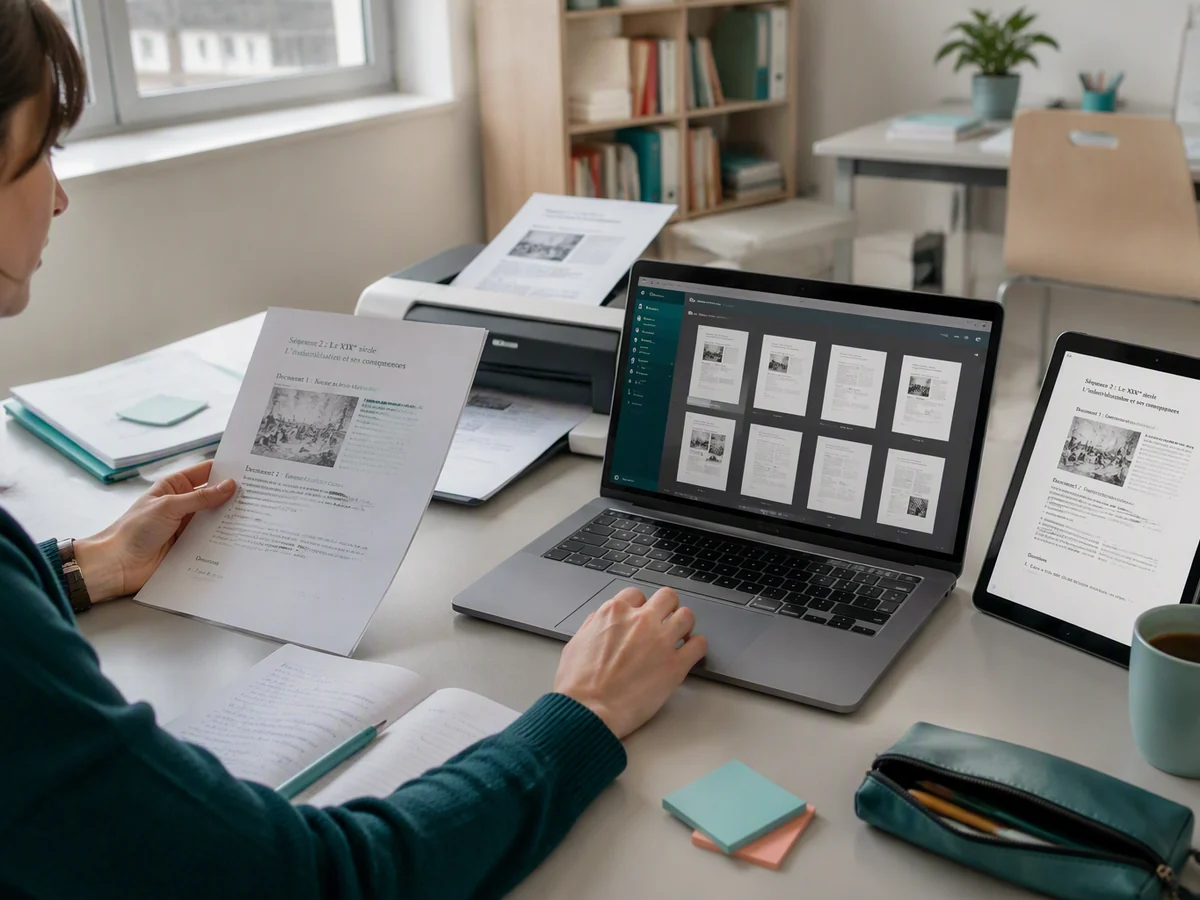
As a teacher, I often use CamScanner to convert course materials and lesson plans into images and send them to our teaching platform or parent groups, which makes them easy to view and print. Students can also turn revision materials and key points into images, save them to their phone album, annotate them anytime on a tablet, and review in spare moments. It meets both teaching and learning needs at once.

FAQ

Can I convert PDF to JPG for free?

Yes. You can convert PDF to JPG in your browser without installing anything.

Should I choose JPG or PNG?

JPG for most things. The files are smaller and easier to send or upload, which suits pages that are mostly photos or plain text. Choose PNG when the page has fine print, diagrams with thin lines, or a transparent background you need to keep.

Will the image quality drop?

No. Pages render at full resolution, so text and diagrams stay sharp enough to zoom into or print. You're not getting a screen-sized preview.

Does every page get converted?

Yes. Each page becomes its own image file, numbered in reading order, and you download them together. A twelve-page PDF gives you twelve images.

Can I pull out just the photos from a PDF?

That's a different job. This tool renders whole pages as images, including the text and layout. Extracting the embedded photos on their own isn't what it does.

Can I convert PDF to JPG on Mac or mobile?

Yes. The converter runs in any browser on macOS, Windows, Linux, iOS, and Android. You can also use the CamScanner app for iOS and Android.

Is my data secure when converting PDF to JPG?

Yes. Files are encrypted in transit and never shared with third parties. CamScanner is certified to ISO/IEC 27001, ISO/IEC 27701, and ISO/IEC 20000.

Can I turn images back into a PDF?

Yes. CamScanner's JPG to PDF converter does the reverse — upload your images, arrange the order, and combine them into a single PDF.

CamScanner on the Web

Use PDF to JPG directly in your browser, with no installation.

CamScanner Mobile App

Scan the QR code to download the app, and capture with enhancement in one step.

QR code to download CamScanner
Terms of Service|Privacy Policy|Security & Compliance|AI Agent|FAQ|Blog
Follow us
© 2026 INTSIG. All rights reserved.
CamScanner

Cookies Settings

These cookies are essential in order to enable you to move around the website and use its features. Without these cookies services you have asked for cannot be provided.

We'd like to set Google Analytics or Baidu Analytics cookies to help us to improve our website by collecting and reporting information on how you use it. The cookies collect information in a way that does not directly anyone. For more information on how these cookies work, please see our 'Cookies page'.