
CamScanner
  • Tools
    Scan
    • Scan Documents
    • Scan IDs
    • Scan Books
    • Scan Test Papers
    • Capture Whiteboards
    • Capture Slides
    • Image to Text
    Convert PDF
    • PDF to Word
    • Word to PDF
    • PDF to Excel
    • Excel to PDF
    • PDF to PPT
    • PPT to PDF
    • PDF to JPG
    • JPG to PDF
    Edit PDF
    • Merge PDF
    • Split PDF
    • Organize PDF
    • Rotate PDF Pages
    • Delete PDF Pages
    • Add Watermark
    • Protect PDF
    • Sign PDF
    App-Only
    • MeasureMeasure distances with your phone.
    • Ask AIAsk AI questions and get answers on any topic.
    • ScrollshotCapture full-page scrolling screenshots.
    • CountCamCount objects with your camera.
  • Premium
  • For Business
  • Download
  • Devices
  • AI Agent
  • 简体中文繁體中文EnglishBahasa IndonesiaEspañol
简体中文繁體中文EnglishBahasa IndonesiaEspañol
Web AppSign In
NEW — Online Document Redaction. Redact PDFs, scanned documents & images with AI. Try it free →

CamScanner for Business

Enterprise Document Management, Scanning & OCR for Teams

The enterprise document management platform for teams. Bring AI-powered scanning, OCR, redaction and automation to your whole organization — secure and compliant from day one.

See Plans & Get Started

Compare plans and find the right fit for your team.

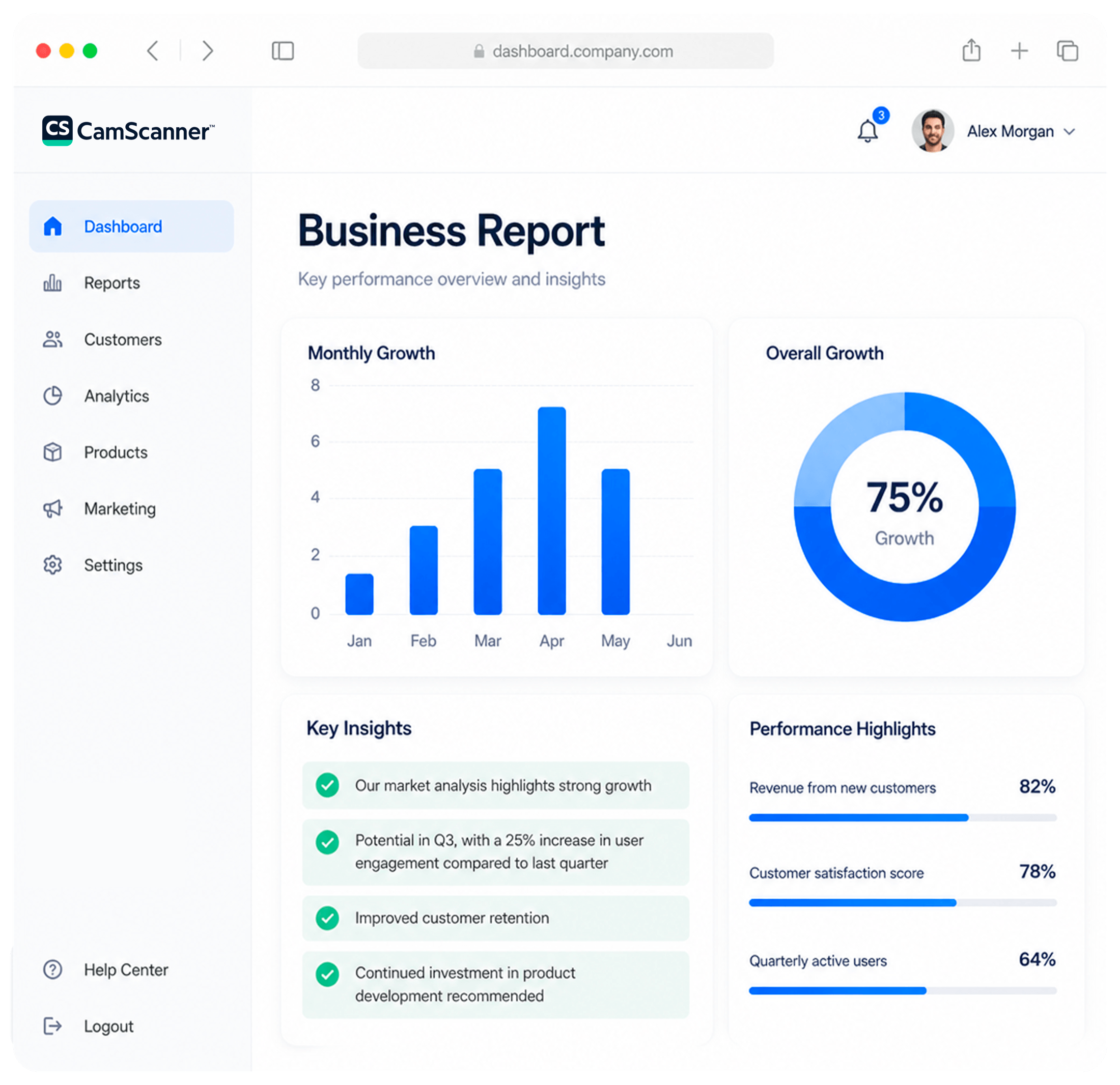
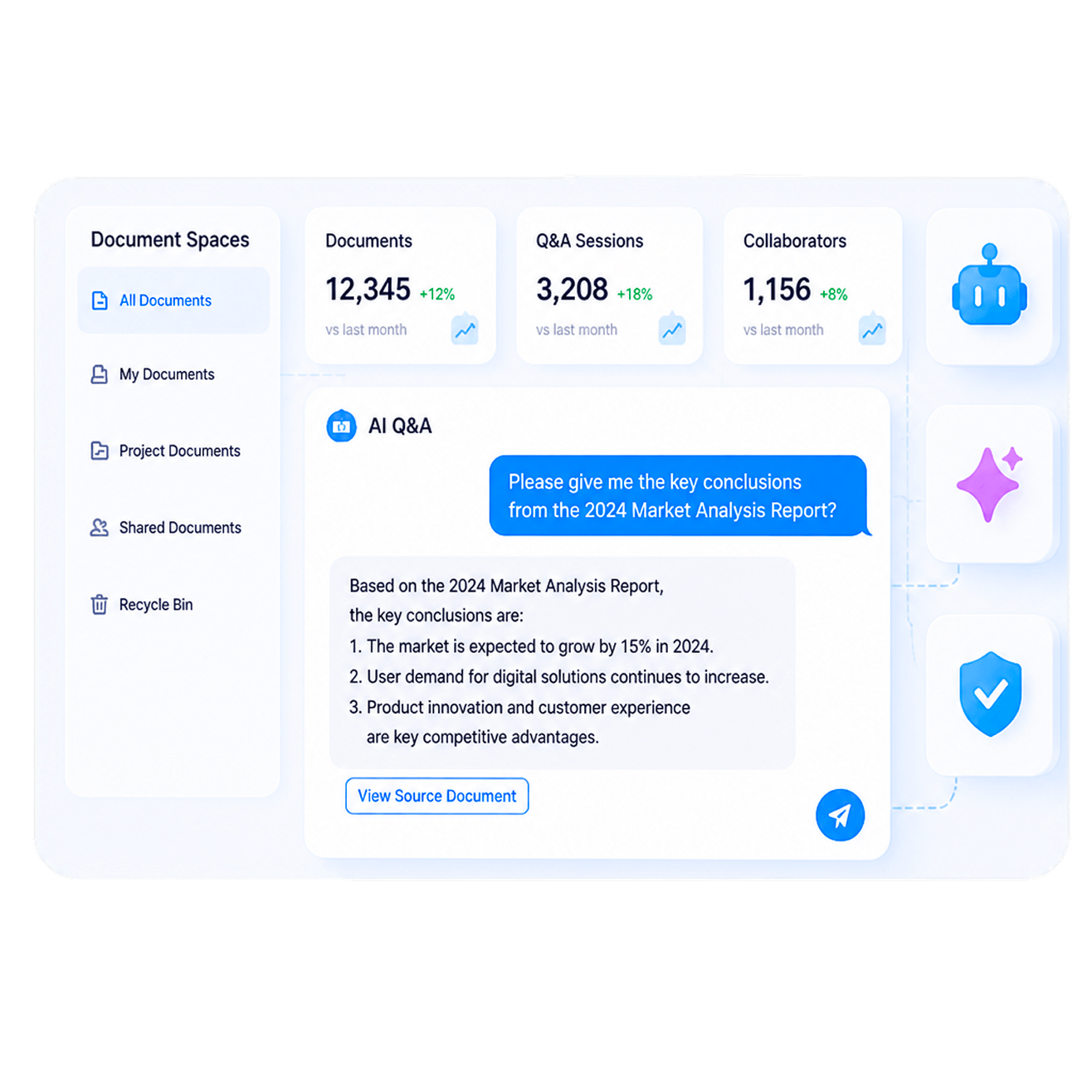
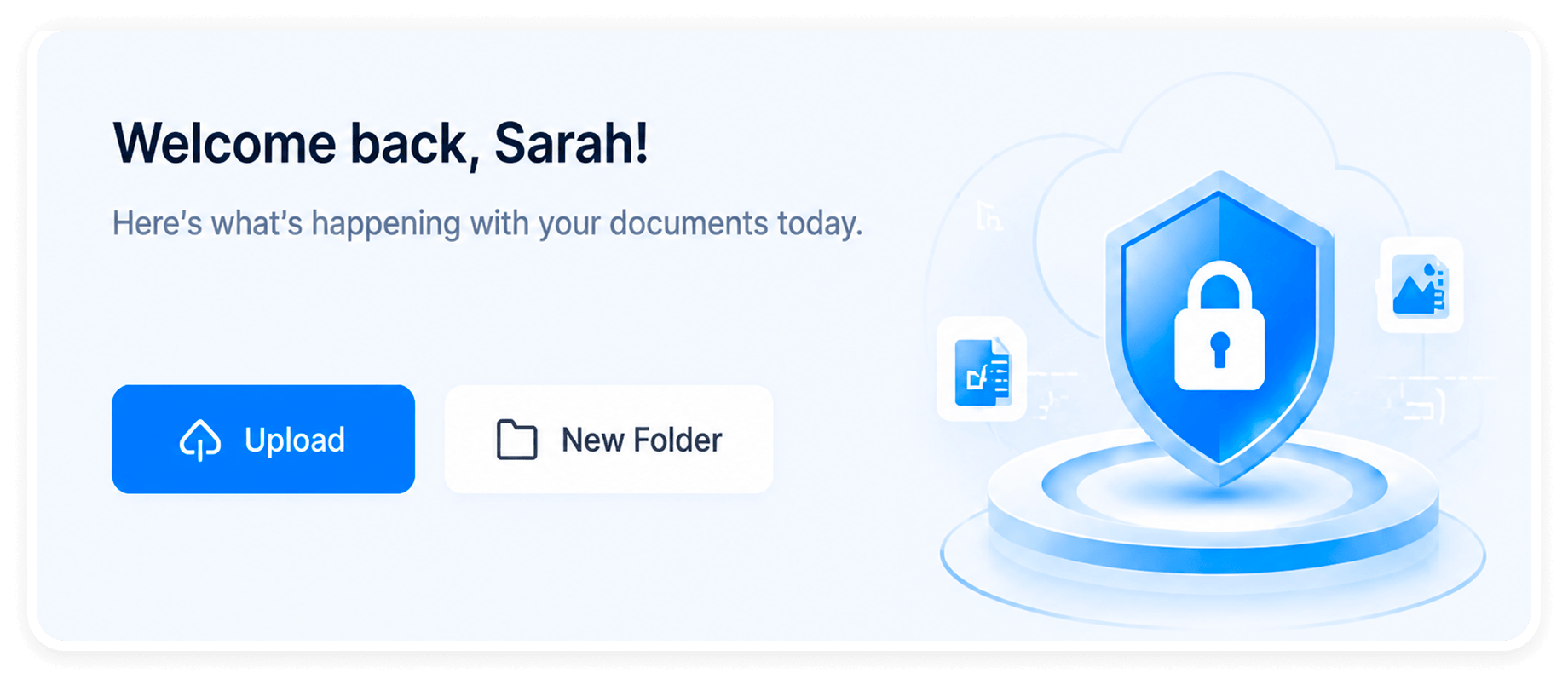
CamScanner for Business document management dashboard
300M+CamScanner Users Worldwide
200+Countries & Regions
5+Platforms Supported
60+OCR Languages

Everything Your Team Needs for Document Scanning & Management

All of CamScanner's features, with enterprise-grade management and security.

Document Scanning & OCR

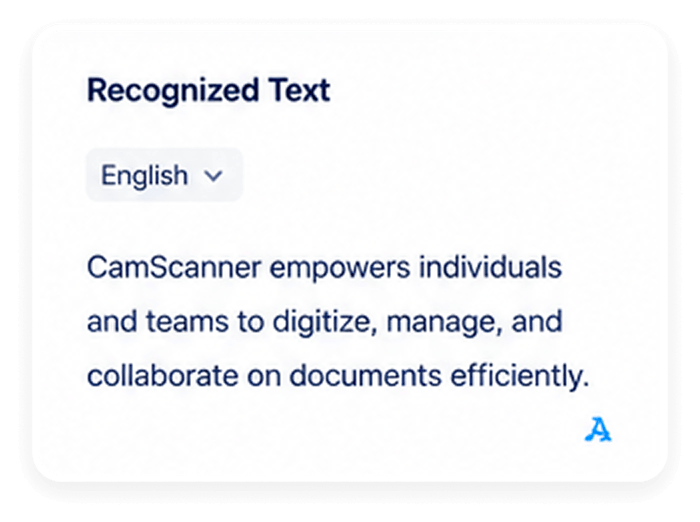
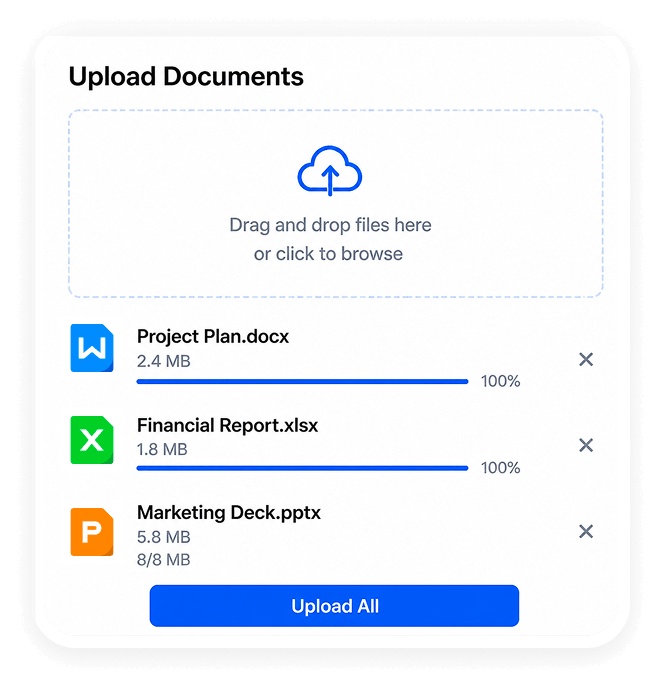
Scan, OCR, edit and export documents — the full CamScanner toolkit in a shared team workspace.

  • AI-powered scanning with auto edge detection.
  • OCR in 60+ languages: print and handwriting.
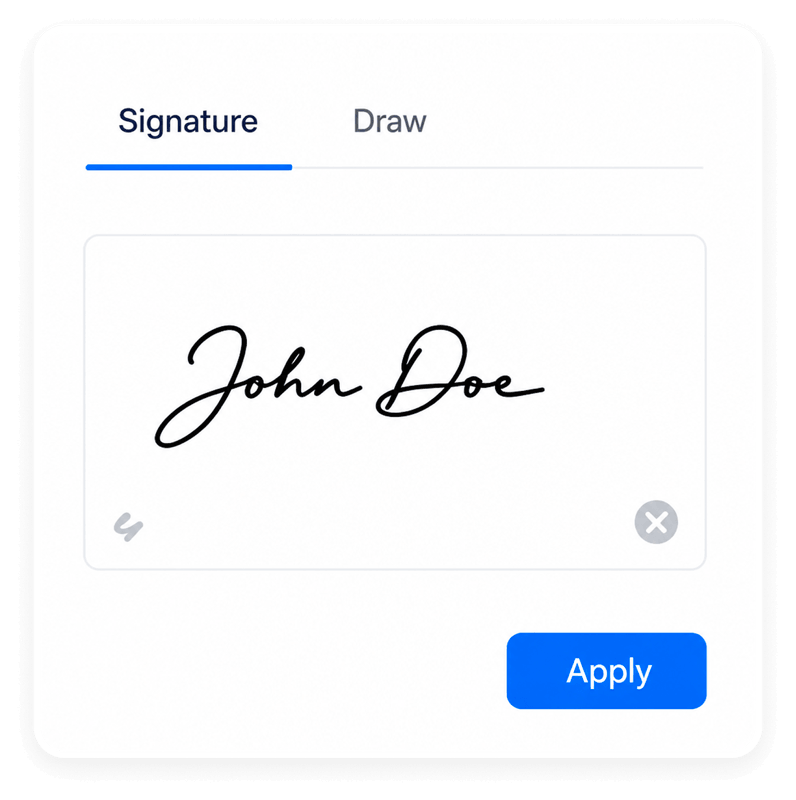
  • PDF editing, annotation, and e-signatures.
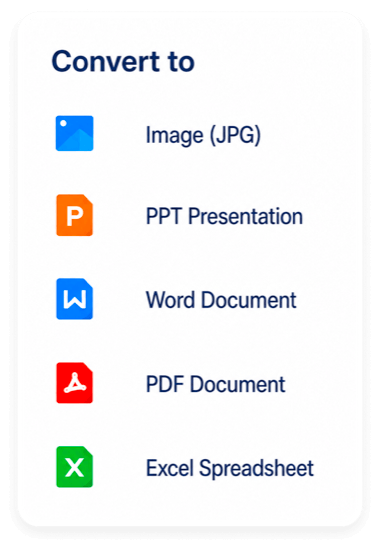
  • Export to PDF, Word, Excel, plain text.
  • Available on mobile and web.
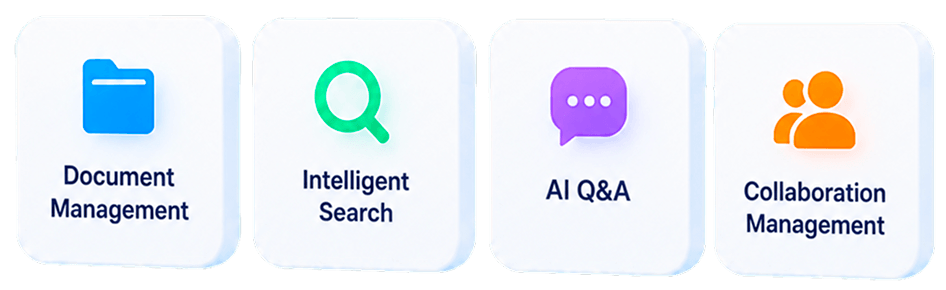
Scan & Document

Organization Management

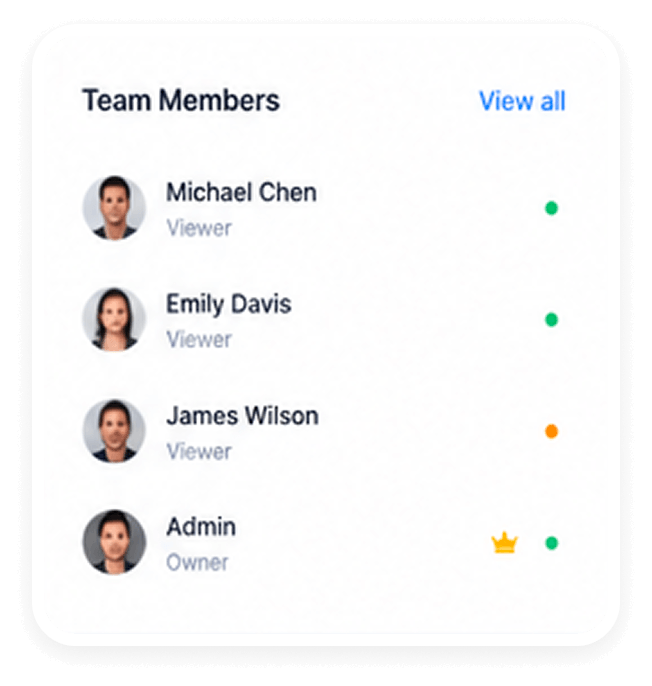
A shared cloud where every document belongs to the organization. Add, remove, and offboard members in bulk, with usage analytics.
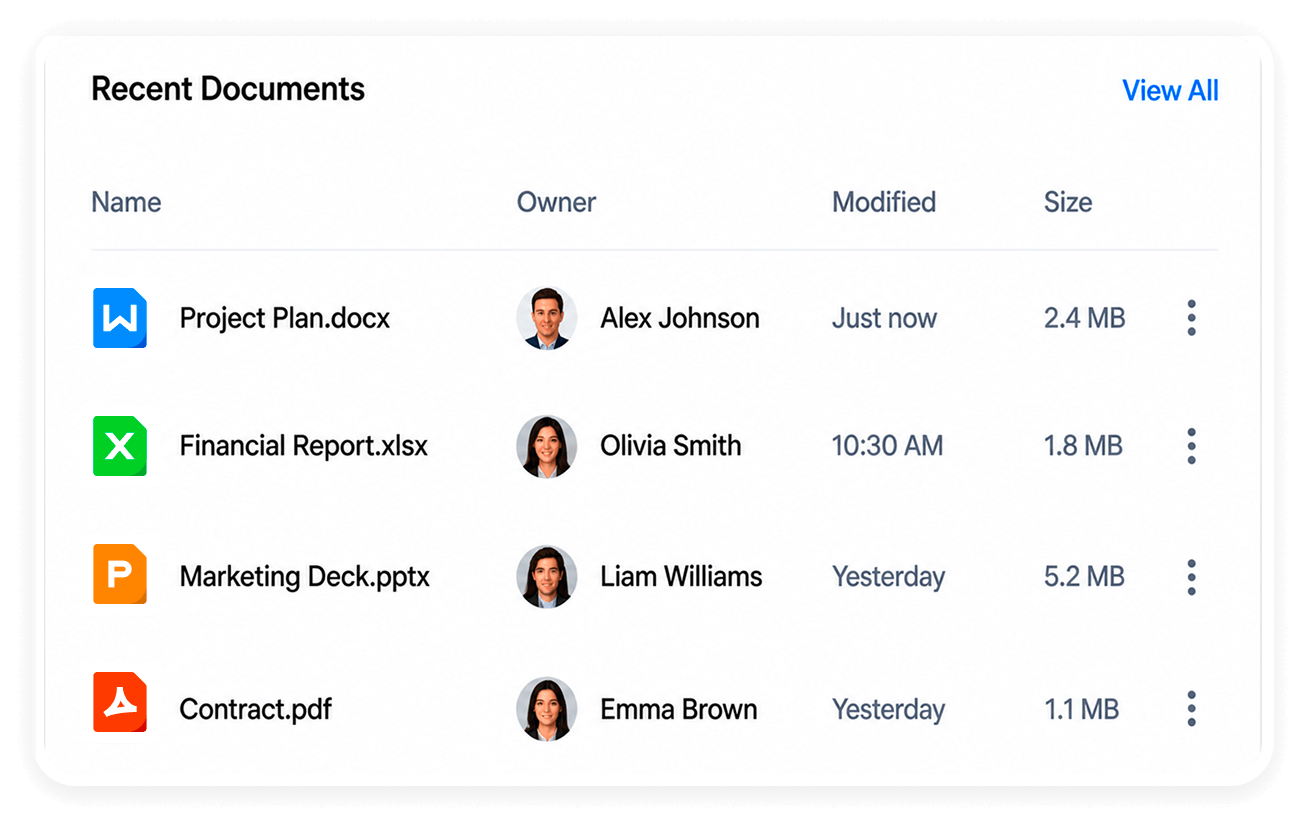
  • All documents stored in your enterprise cloud.
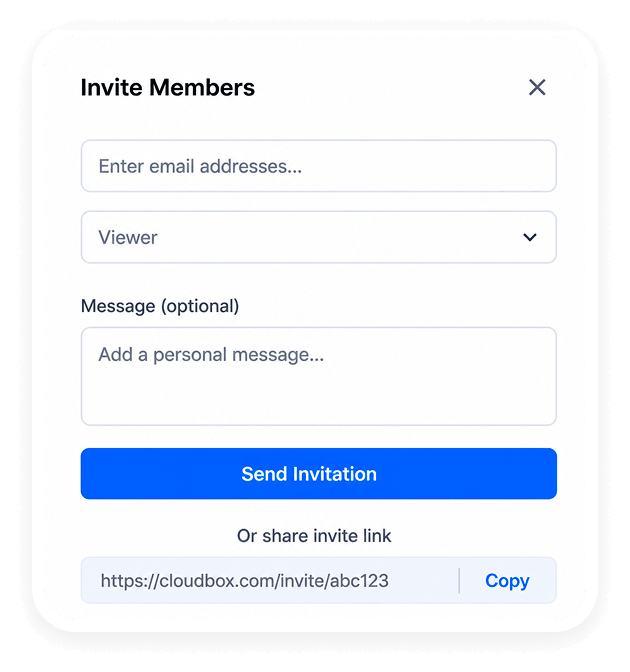
  • Add, import, and offboard members in bulk.
  • Offboard members with ownership handover.
  • Usage analytics and reports.
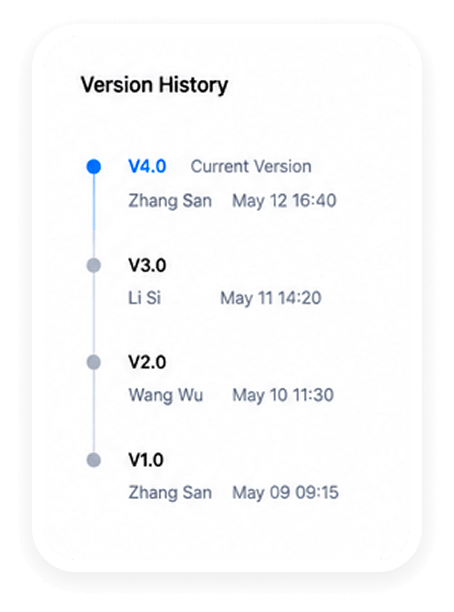
  • Full audit trail.

Collaboration

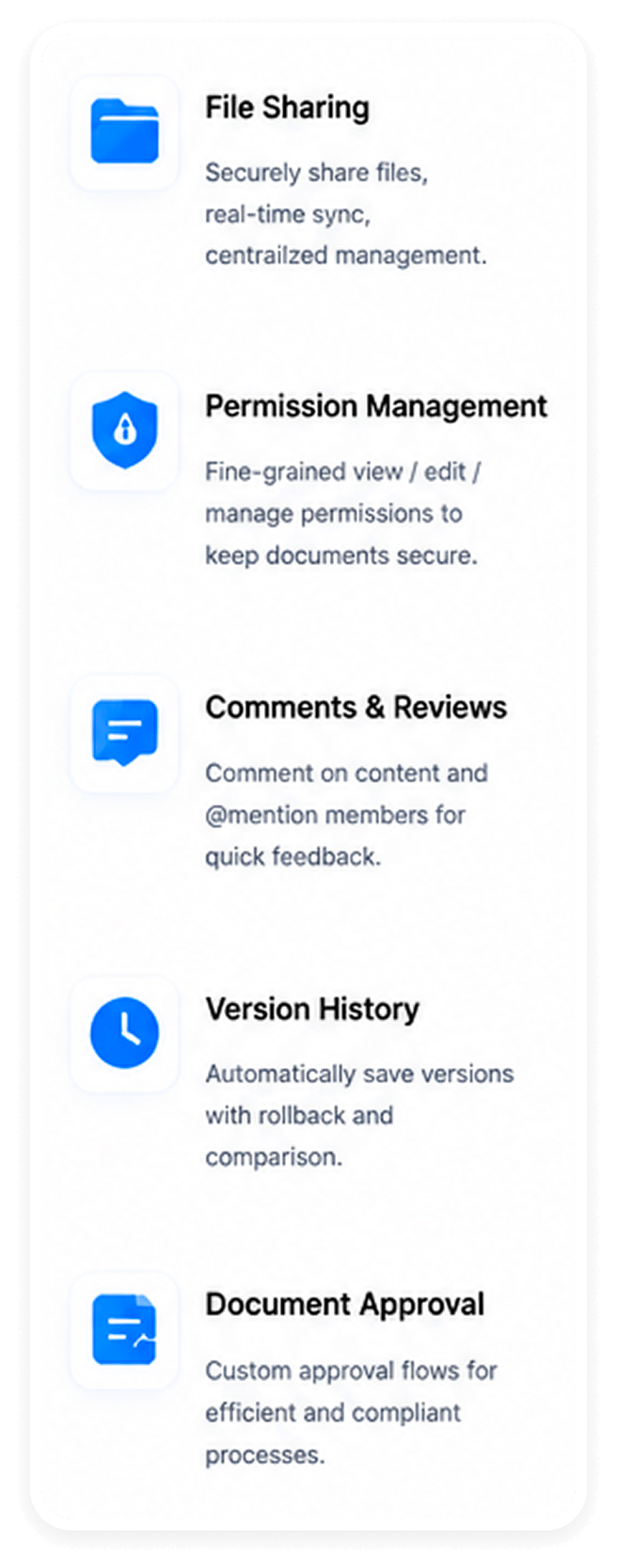
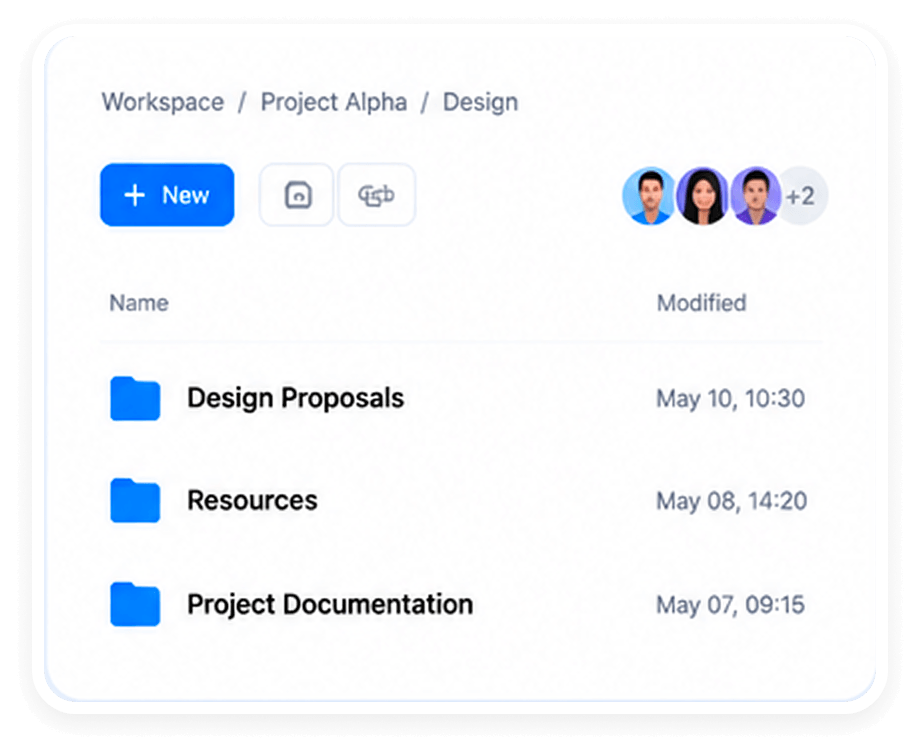
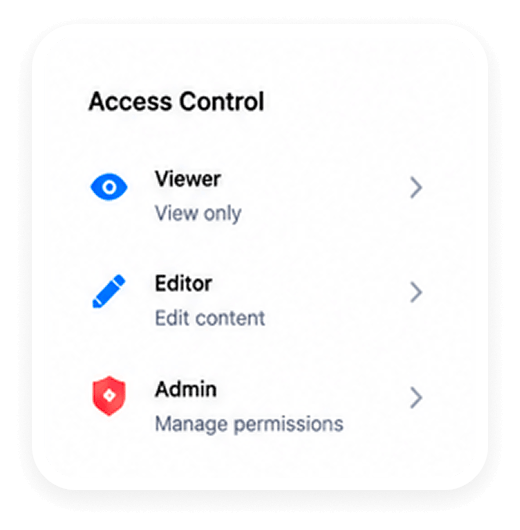
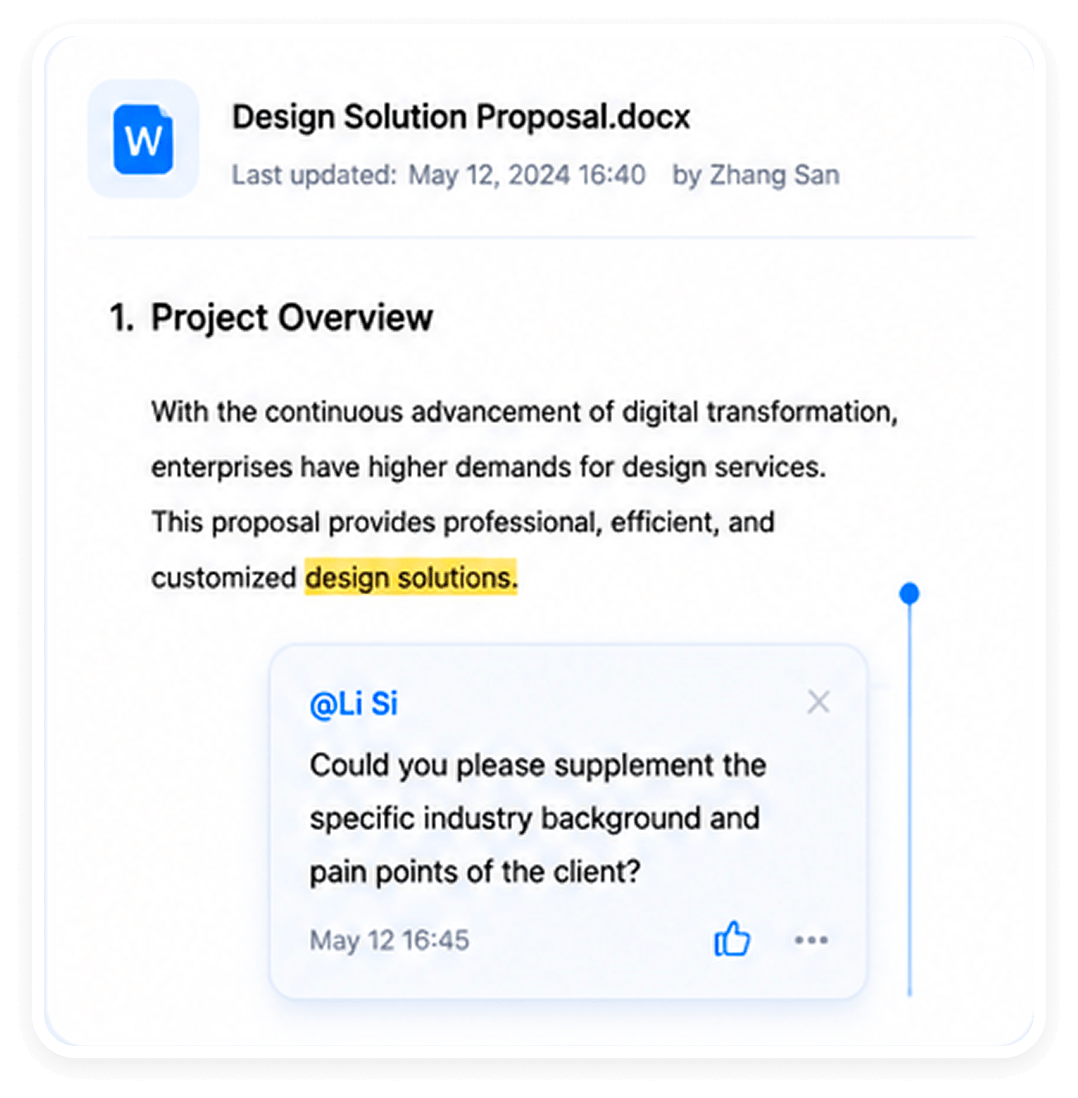
Document collaboration in shared folders — set per-member permissions and work on files together across your team.

  • Shared folders with per-member access: view, edit, upload-only, or export-restricted.
  • Comments and annotations on any document.

Document Redaction

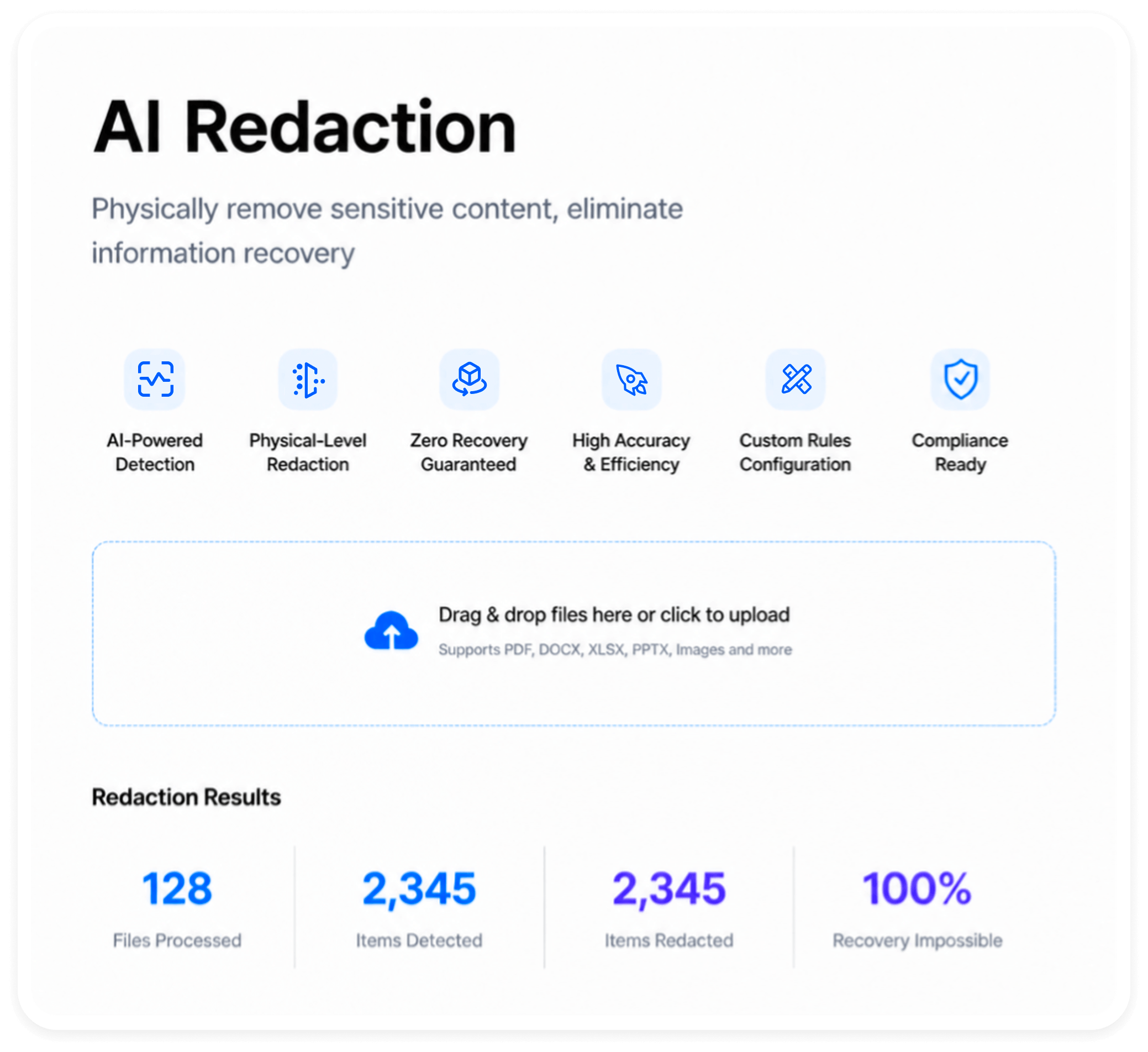
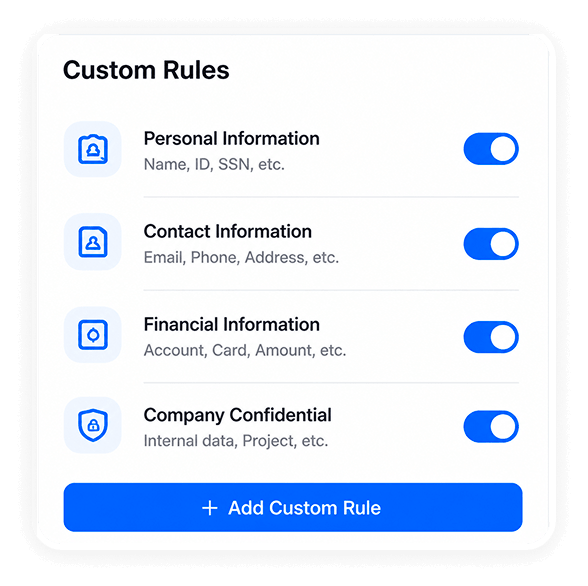
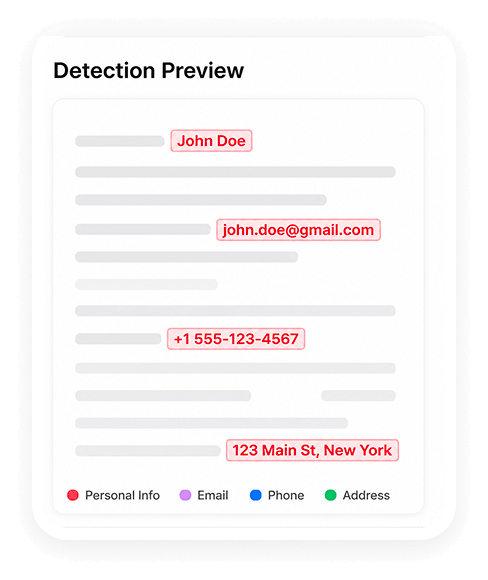
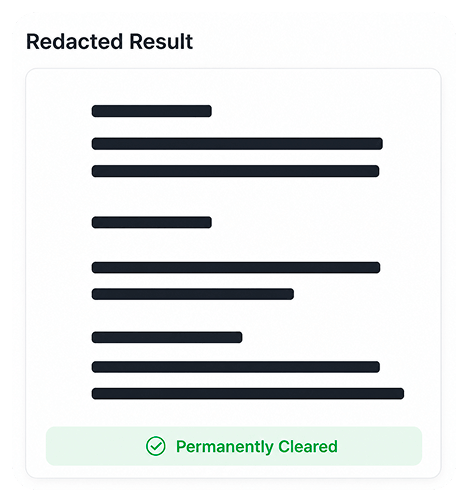
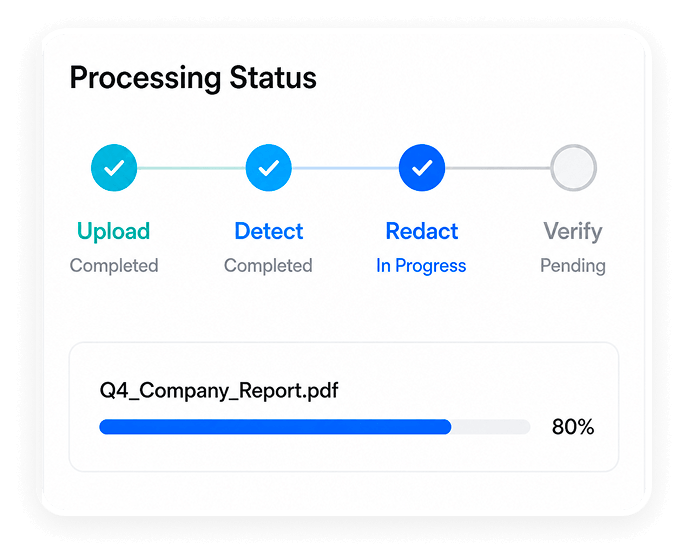
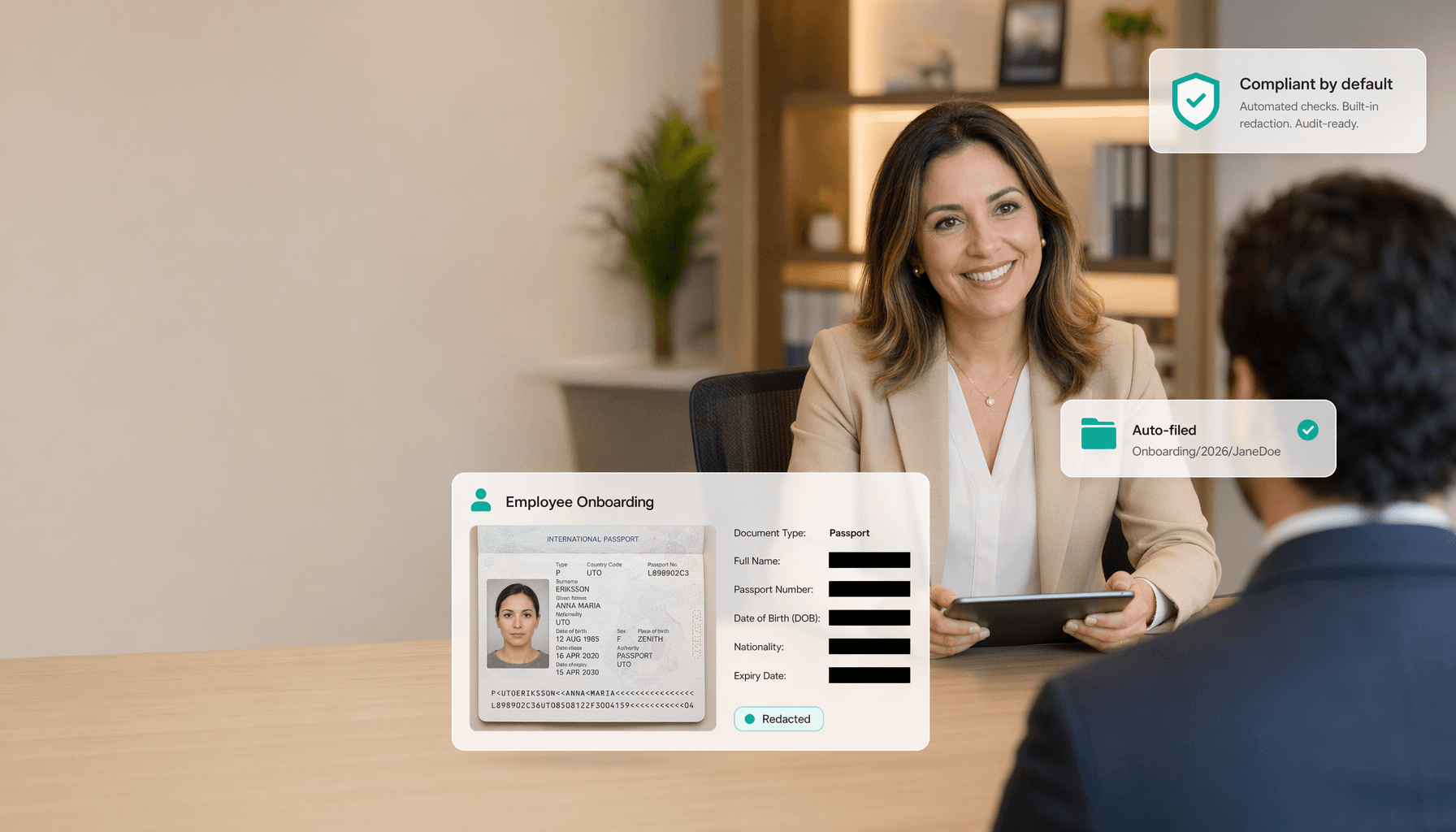
Redact sensitive information from PDFs and images — AI auto-detects standard PII (names, IDs, phone numbers, emails, addresses), and you redact custom terms and financial figures manually. Redacted text is deleted from the file and covered, so it can't be copied back out.

  • Redacted text is deleted from the file, then covered — not just a black box drawn on top.
  • Four redaction modes: text selection, freehand area, pattern match, and AI auto-detect.
  • AI auto-detects standard PII; redact financial data and custom categories with manual tools.
Learn more →

Reports

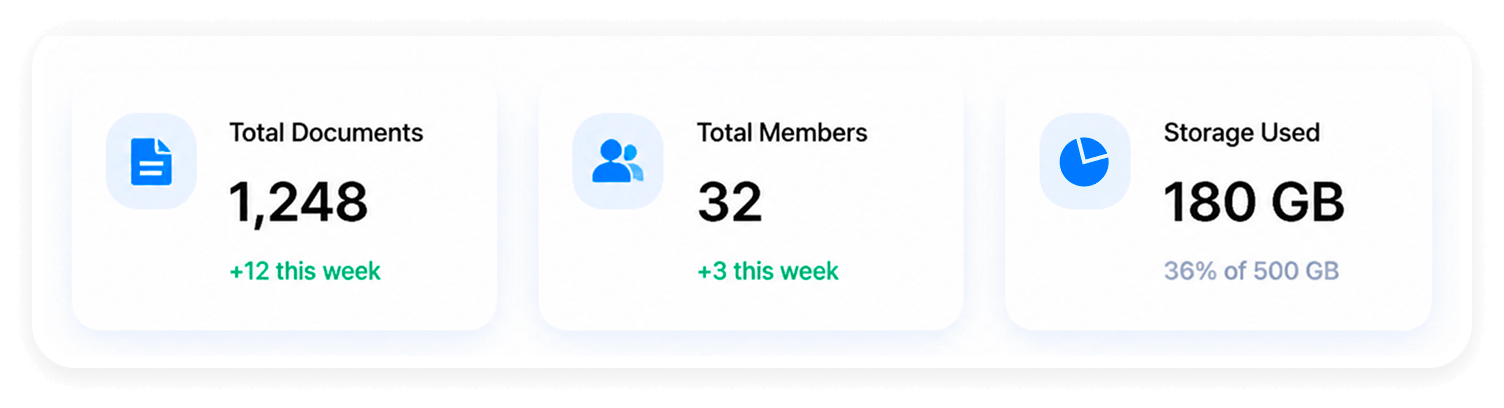
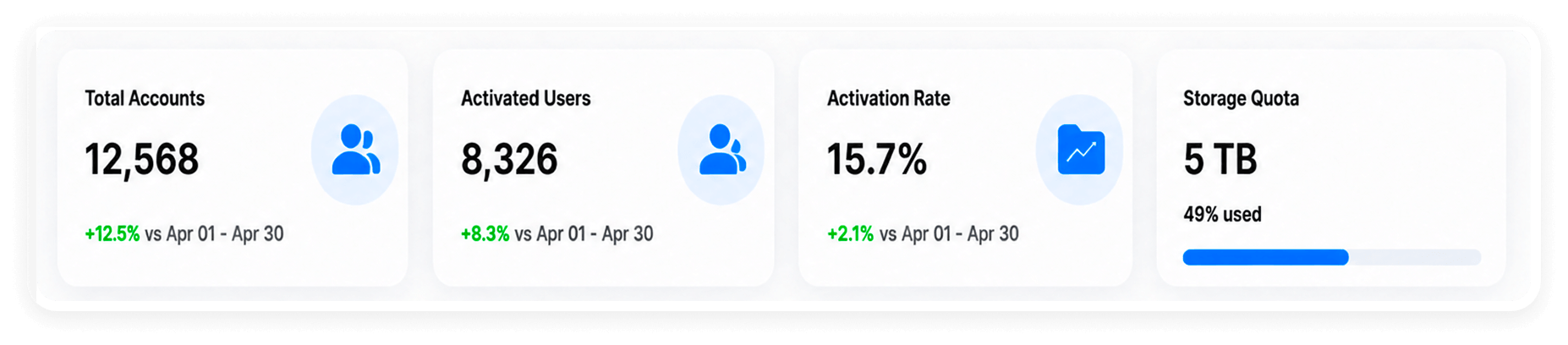
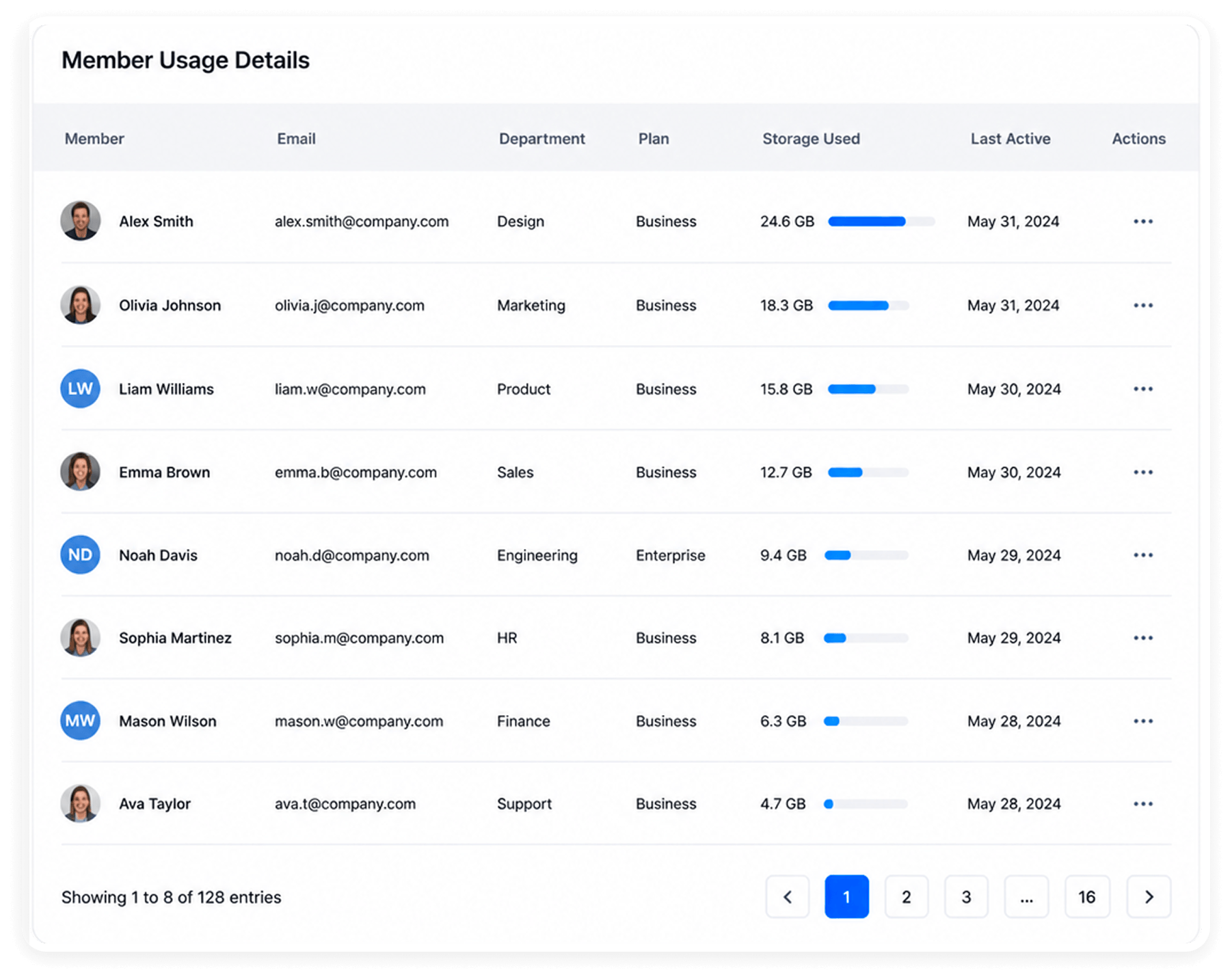
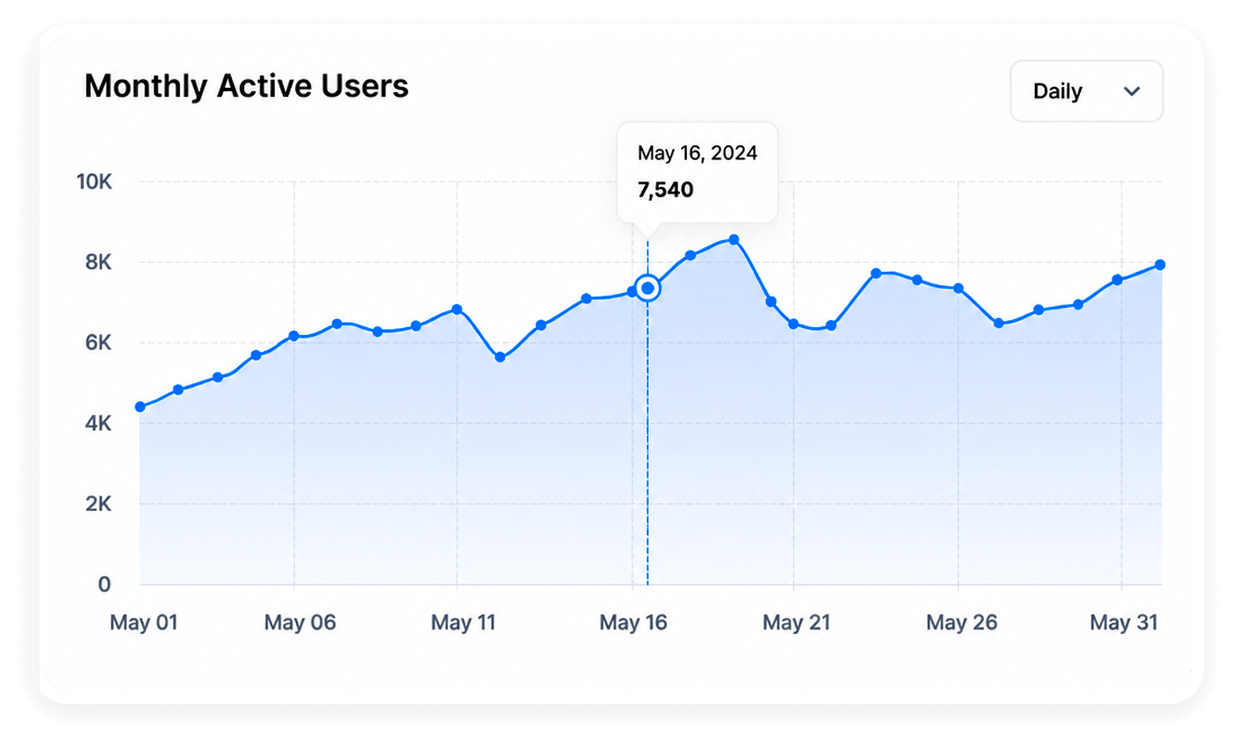
Give administrators a complete view of team adoption. See account activation, storage consumption, and activity trends at a glance. Drill into per-member details to spot inactive users and drive engagement.

  • Track total seats, activated users, and activation rate.
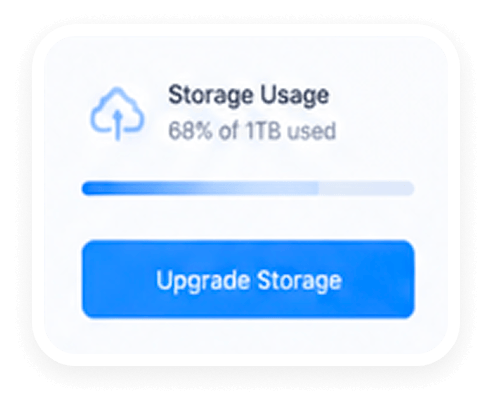
  • Monitor storage usage with one-click expansion.
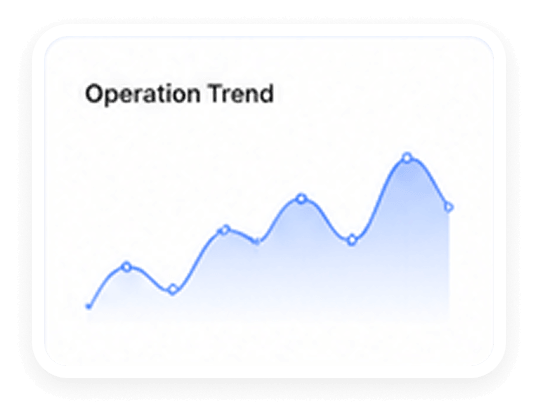
  • Monthly active user and activation rate trends.
  • Per-member detail: active days, documents created, shared folders.
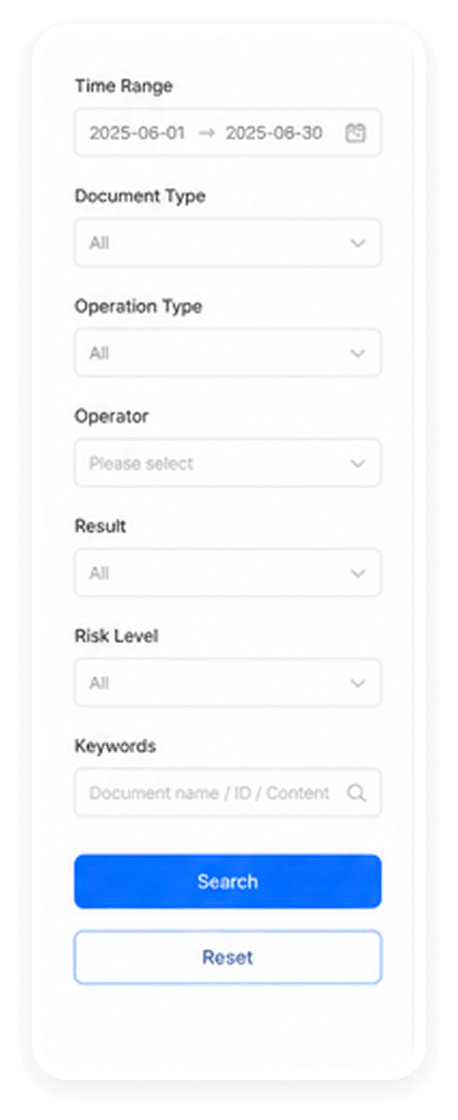
  • Filter by date, name, phone, or department.
  • Export to Excel for further analysis.

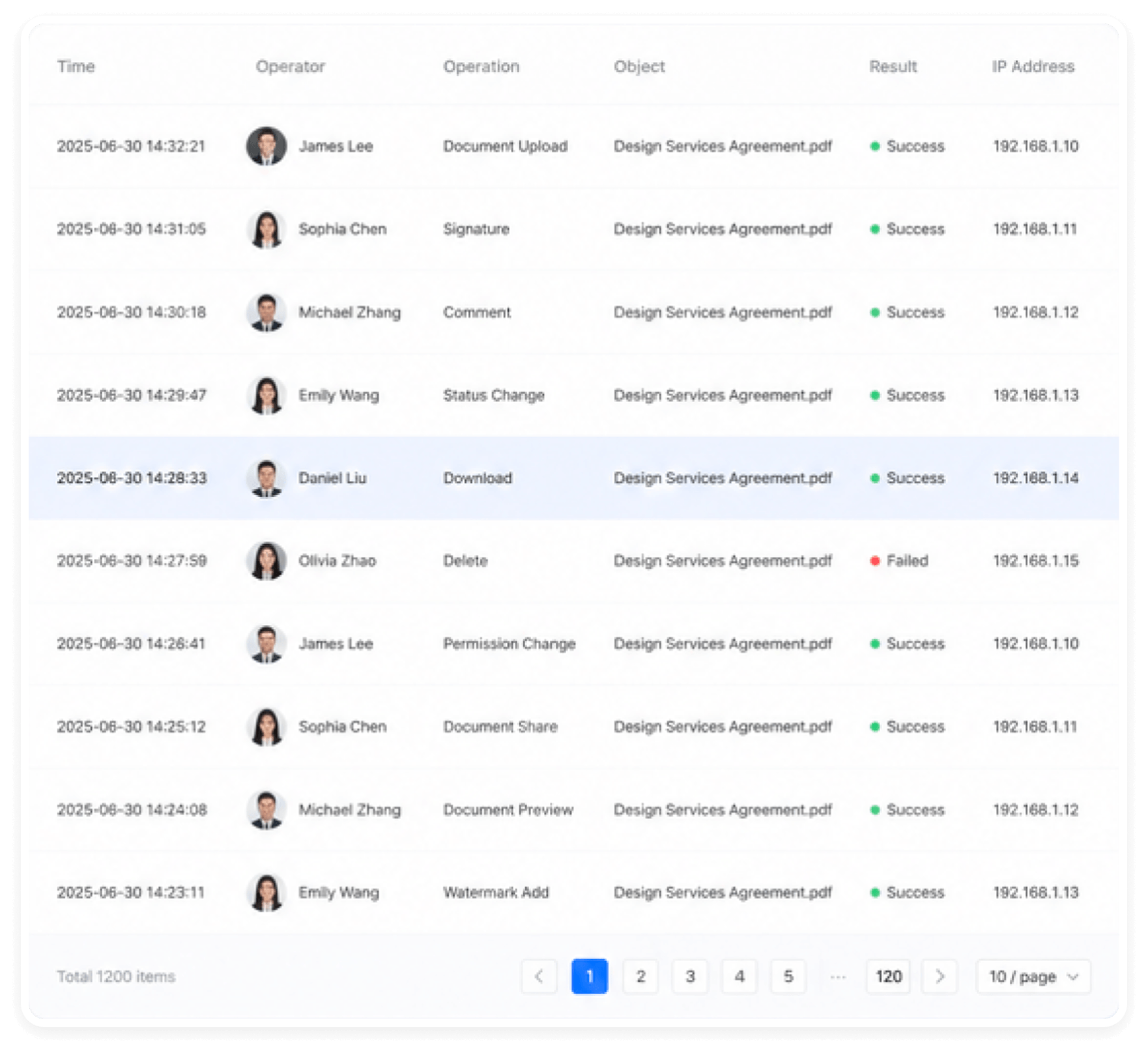
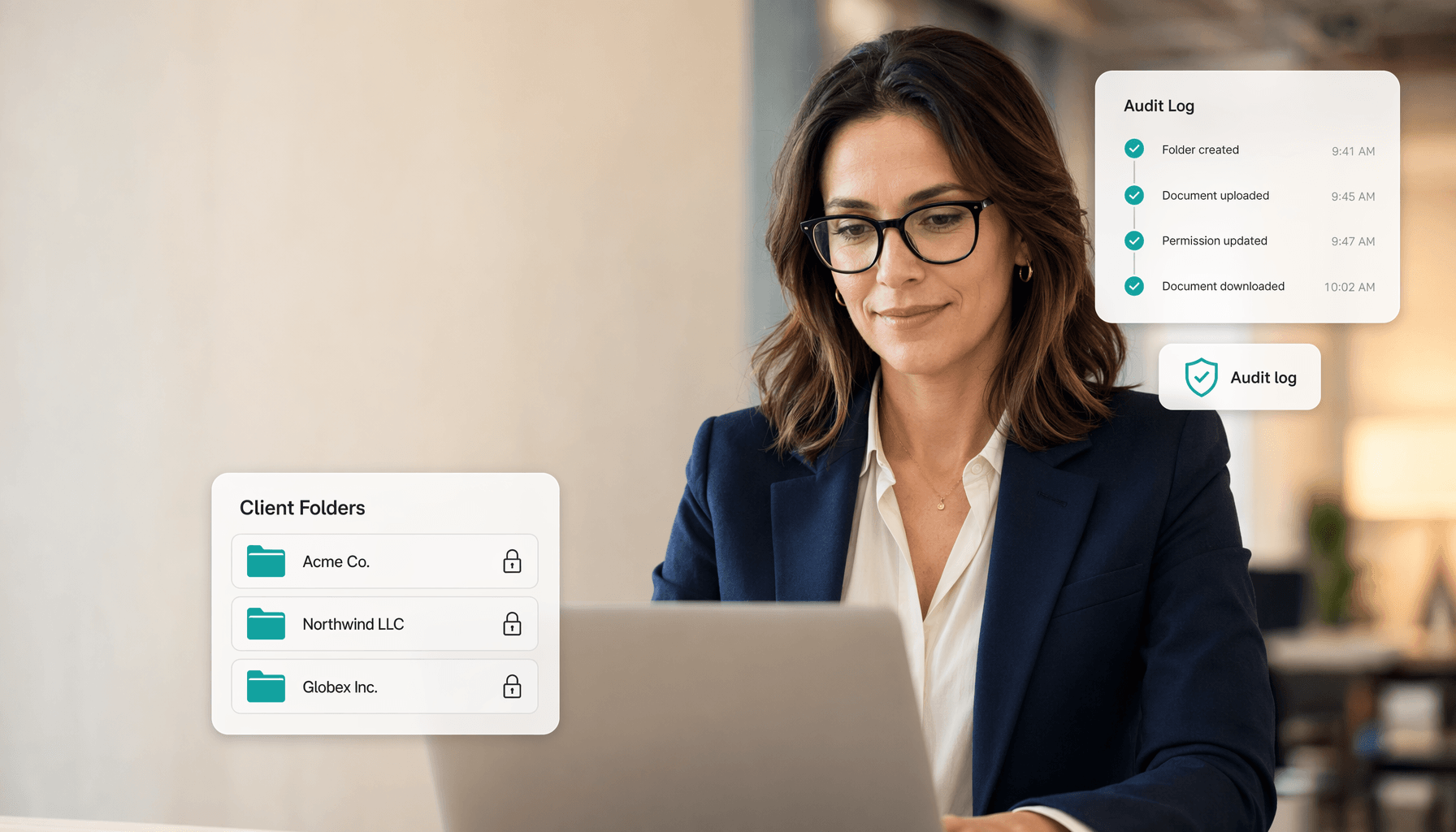
Audit Log

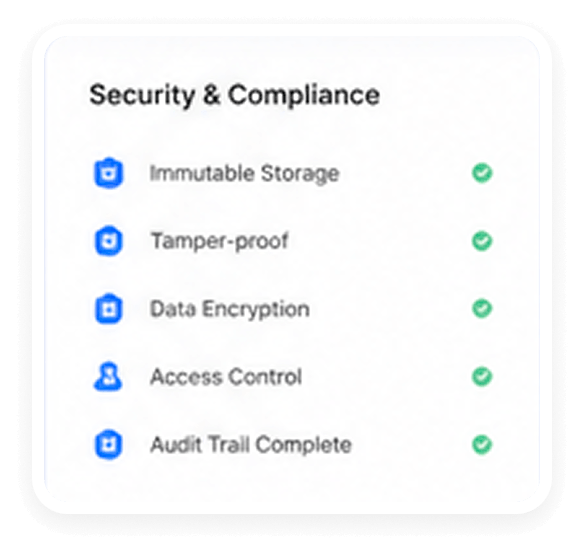
Audit logs show who did what and when — with device and IP information — so you can export them for compliance audits and security reviews.

  • Tracks document activities, administrator actions, and OpenAPI events.
  • Captures identity, device, and IP for every action.
  • Append-only records for tamper-evident history.
  • One-click export for compliance audits and security reviews.

Built for Every Industry

Real-world scenarios, purpose-built solutions.

Legal Document Management

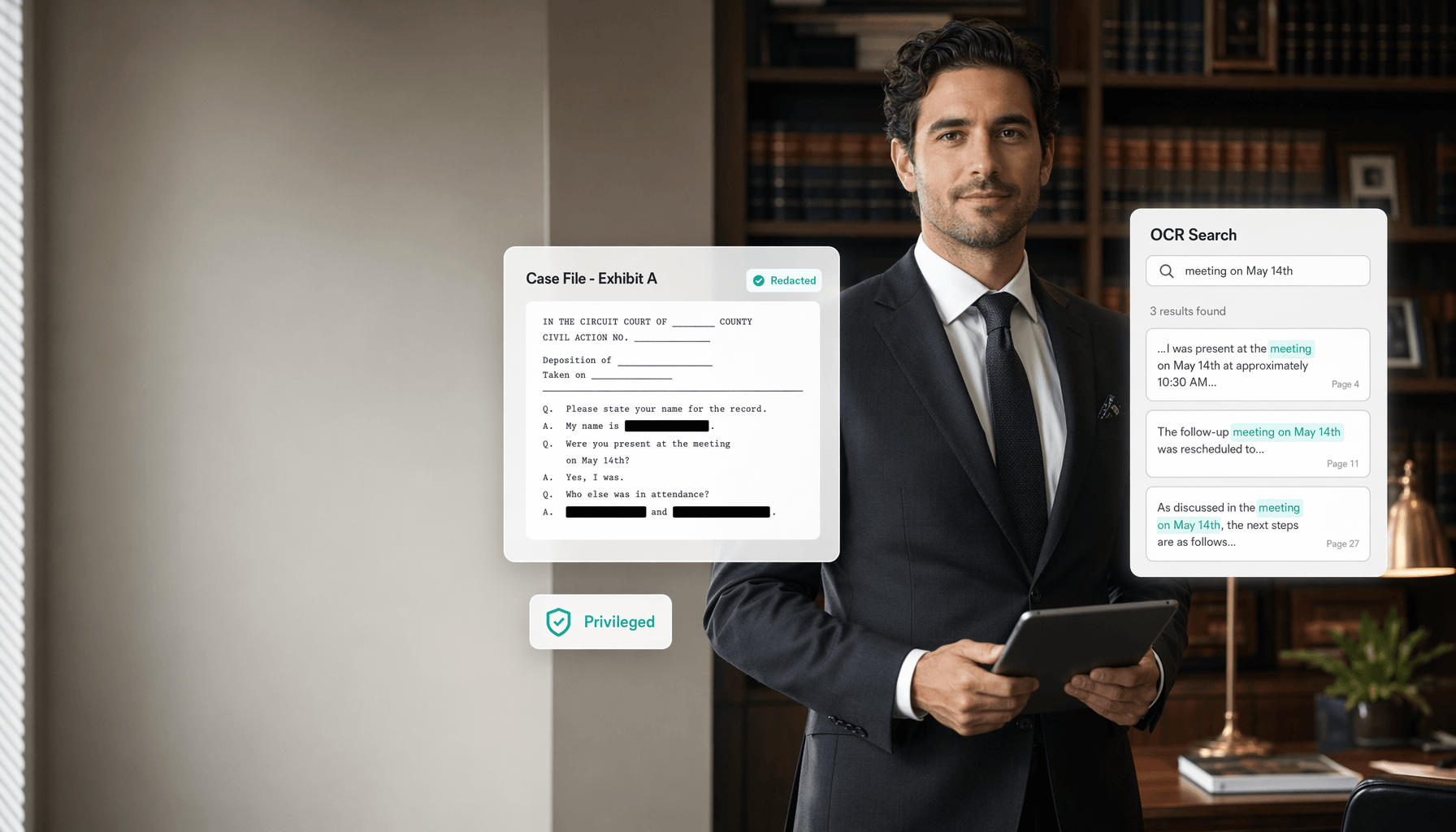
Make case files searchable with OCR, redact evidence, and keep privileged docs with the firm.

OCRDocument ManagementSecure Access

KYC Document Redaction

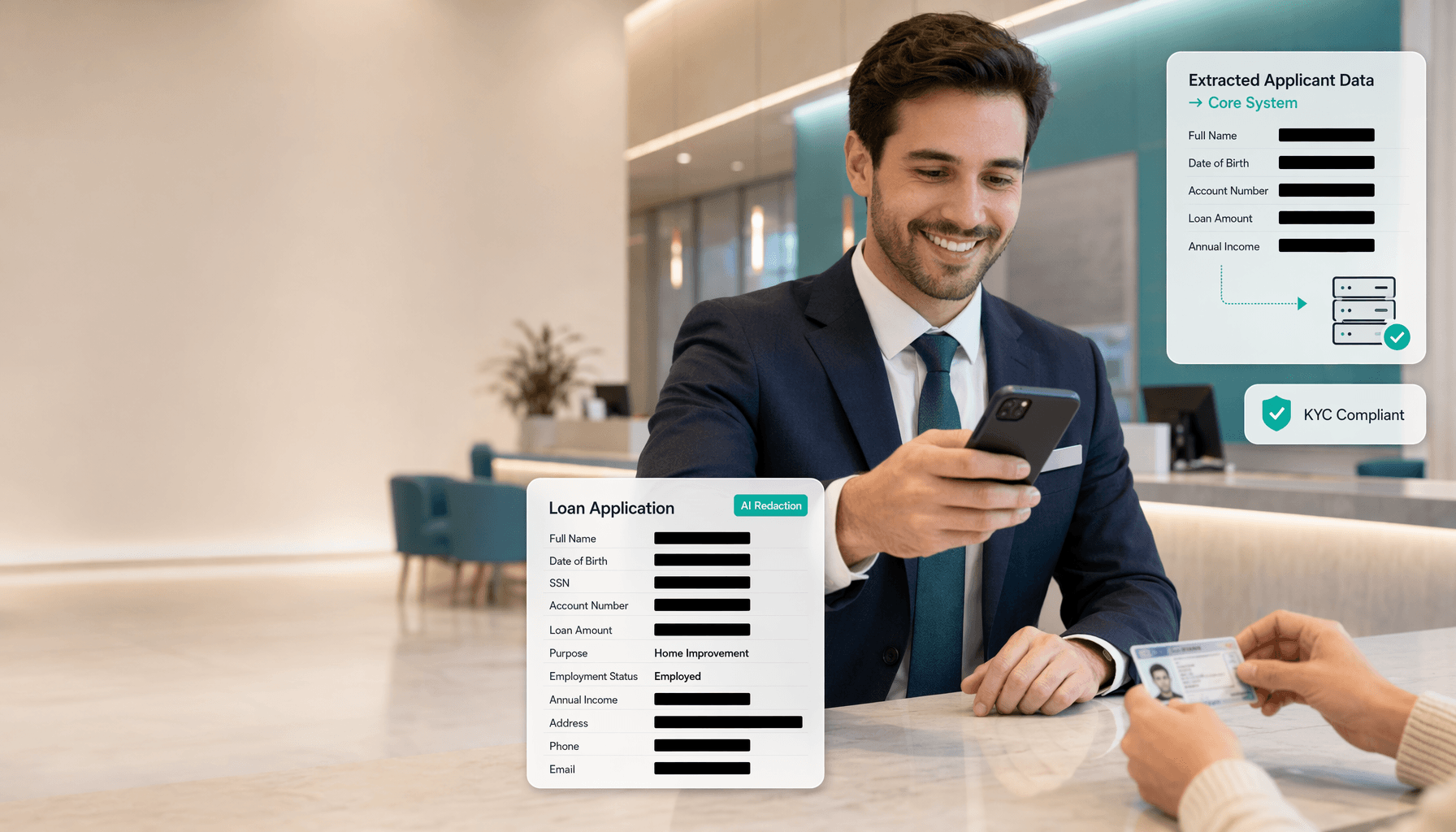
Scan IDs on mobile, redact KYC files, and keep a full audit trail.

Mobile ScanKYC RedactionAudit Trail

HR Document Scanning

Scan and file onboarding IDs, with sensitive information redacted before filing.

Document ScanningRedactionOnboarding

Field Document Scanning

Scan blueprints and permits on-site and sync instantly to shared project folders.

Mobile ScanShared FoldersField Documents

Document Management for Accounting

Organize invoices and tax files by client folder, with audit logs and role-based access.

Document ManagementAudit LogRole-Based Access

Security You Can Trust

Your data is protected at every step

ISO 27701Privacy information management
ISO 22301Business continuity management
ISO 9001Quality management system
ISO 27001Information security management

Plans & Features

Compare plan benefits and choose the right fit for your team.

Plan benefitsBusinessEnterprise
Scanning and OCR across mobile and webIncludedIncluded
Cloud storage and shared foldersIncludedIncluded
Member management and ownership handoverIncludedIncluded
AI document redactionIncludedIncluded
Usage analytics and reportsIncludedIncluded
Audit logs and activity trail—Included
Advanced access control and private deployment—Included
API access and custom integrations—Included
View Details

Frequently Asked Questions

About security, workflows, and support

How do I manage members in my organization?
Add, remove, and offboard members in bulk, with usage analytics and ownership handover.
How can my team collaborate on documents?
Share documents through shared folders with per-member permissions: view, edit, upload-only, or export-restricted.
What happens to documents when an employee leaves?
Documents remain with the organization, and administrators can transfer file ownership during offboarding.
Can I redact sensitive information from documents?
AI detects standard PII, while custom terms and financial data can be selected manually. Redacted text is permanently deleted and cannot be copied back out.
How secure is our organization's data?
CamScanner supports ISO 27001 and ISO 27701 compliance, with audit logs capturing who did what and when.
See Plans & Get Started
Terms of Service|Privacy Policy|Security & Compliance|AI Agent|FAQ|Blog
Follow us
© 2026 INTSIG. All rights reserved.
CamScanner

Cookies Settings

These cookies are essential in order to enable you to move around the website and use its features. Without these cookies services you have asked for cannot be provided.

We'd like to set Google Analytics or Baidu Analytics cookies to help us to improve our website by collecting and reporting information on how you use it. The cookies collect information in a way that does not directly anyone. For more information on how these cookies work, please see our 'Cookies page'.